Chat2DB Architecture Breakdown: How AI is Redefining Database Management
A deep architectural analysis of Chat2DB, exploring how AI lowers the barrier to database operations. Covers its Java 17 + Spring Boot backend, dynamic class loading, Docker deployment, open-core business model, and practical limitations for enterprise use.
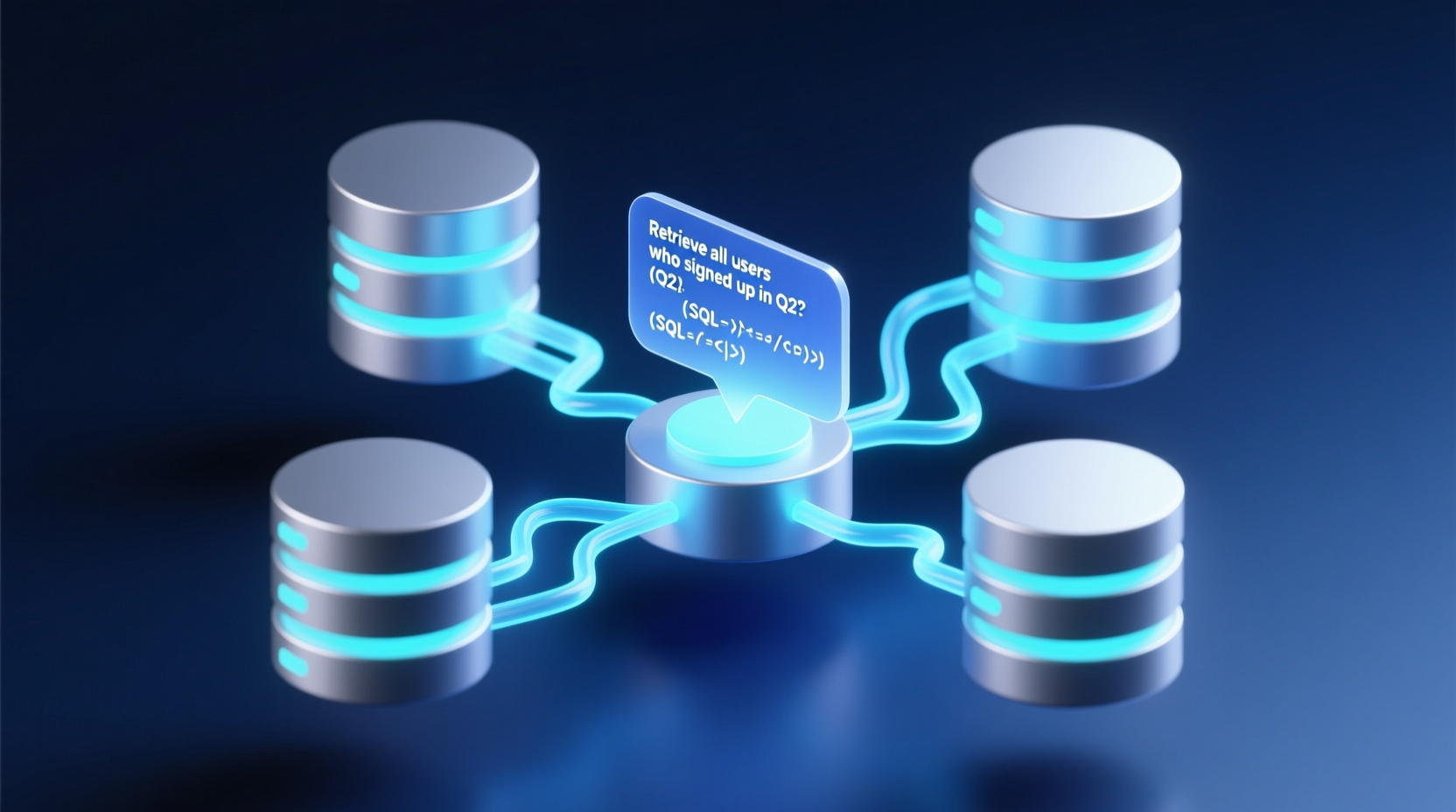
Let's be honest: I've been watching the database client tool space for a long time. From early giants like Navicat and DBeaver to JetBrains' DataGrip, the product paradigm has barely shifted over the years. At its core, it's still a GUI for connecting to databases, executing SQL, and rendering results. But Chat2DB changed my perspective. It's clear that someone in this space is finally doing something genuinely different.
With nearly 26,000 stars on GitHub, Chat2DB has achieved remarkable traction, especially for a Java-centric project. Today, let's break down what it actually does, examine its architecture, and identify what developers can learn from its design choices.
What Real Pain Points Does It Solve?
Every backend developer knows the drill: a PM asks for a quick data pull, and you're stuck writing convoluted SQL. Or maybe a junior colleague struggles with JOIN syntax and constantly needs senior help. Even worse is the cross-database reality: troubleshooting MySQL today, PostgreSQL tomorrow, and Oracle the day after. The syntax variations are a constant headache.
Chat2DB squarely targets these friction points. Its core philosophy is using AI to lower the barrier to database operations. You describe your need in natural language, and it generates the SQL. You write messy, unoptimized queries, and it refines them. The Community edition already supports over 16 database types, with the Pro version aiming for 100+. That's ambitious.
Tech Stack & Architectural Design
Based on the project's documentation, Chat2DB follows a standard frontend-backend separation:
- Backend: Java 17 + Maven 3.8+, built on the Spring Boot ecosystem with a modular design (
chat2db-server-startas the entry point,libdirectory for dependencies). - Frontend: Node.js 16 + Yarn, packaged as a desktop/web client.
- Deployment: Supports Docker one-click deployment and standalone builds.
The backend modularization is particularly noteworthy. The chat2db-server/chat2db-server-start structure indicates a classic Spring Boot parent-child module layout. The startup parameter -Dloader.path=./lib hints at Spring Boot's extended classloader mechanism, which places dependency JARs in an external lib directory. This allows dynamic expansion of database drivers without repackaging the entire application—a smart move for a tool that needs to support dozens of DB engines.
The Multi-Database Architecture: Supporting MySQL, PostgreSQL, Oracle, SQL Server, DB2, ClickHouse, OceanBase, and others simultaneously requires a robust Database Adapter Pattern under the hood. Each database has unique dialects, data types, and metadata query methods. Chat2DB abstracts these into a unified SQL parsing and execution interface, which demands solid architectural design skills.
AI Integration Approach: The Community edition requires you to configure a ChatGPT API Key, passed at startup via -Dchatgpt.apiKey=xxxxx. This means AI capabilities are delivered via external LLM APIs rather than a built-in inference engine. The upside is a lightweight client and flexible model updates; the downside is network dependency and user-incurred API costs. The Pro version claims "AI ready on installation," which likely implies a built-in API proxy or prepaid integration.
The Community vs. Pro Divide
The feature matrix shows a clear separation. The open-source Community edition retains core utilities: SQL console, visual table editing, SQL formatting, and query history. However, high-value commercial features like schema synchronization, data migration, intelligent SQL editing, AI table generation, Chat2Excel, and smart dashboards are locked behind the Pro version.
This open-core strategy is pragmatic. The Community edition is functional but intentionally limited to drive upgrades, while Pro delivers the complete experience. It's a tried-and-true model for modern developer tools.
Installation & Getting Started
Deployment paths are straightforward. Docker is the quickest route:
bash
## Quick Docker deployment
docker run --name=chat2db -ti -p 10824:10824 \
  -v ~/.chat2db-docker:/root/.chat2db \
  chat2db/chat2db:latest

docker start chat2db
System requirements are modest: Docker 19.03+, ≥2 CPU cores, and ≥4GB RAM. Most dev machines can handle it. For local source code debugging, both frontend and backend have distinct startup flows:
bash
## Frontend debugging (Node 16+, yarn required)
cd Chat2DB/chat2db-client
yarn
yarn run start:web

## Backend debugging (Java 17+, Maven 3.8+)
cd ../chat2db-server
mvn clean install
cd chat2db-server-start/target/
java -jar -Dloader.path=./lib \
  -Dchatgpt.apiKey=YOUR_CHATGPT_KEY \
  chat2db-server-start.jar
Watch out for these pitfalls: The frontend strictly requires Node 16+ and MUST use yarn (npm is unsupported). The backend mandates Java 17+. Missing these will break the build. Also, without an API Key, AIGC features won't work, significantly degrading the standalone experience.
For independent production deployment, you'll need to build and merge the frontend assets:
bash
## Build frontend production assets
cd chat2db-client
npm run build:web:prod
cp -r dist ../chat2db-server/chat2db-server-start/src/main/resources/static/front
cp -r dist/index.html ../chat2db-server/chat2db-server-start/src/main/resources/thymeleaf
Use Cases & Limitations
Best For: Daily database queries, cross-database development, handling non-technical data requests, and AI-assisted SQL writing. It's especially valuable for small teams lacking a dedicated DBA, as it effectively lowers the SQL proficiency barrier.
Limitations & Caveats:
- External API Dependency: AI capabilities rely entirely on external LLMs. Offline environments strip away its core value.
- Community Feature Fragmentation: Many practical features are gated behind Pro, which may deter strict open-source purists.
- Security & Compliance Risks: Translating natural language to SQL involves sending table schemas and query intents to external APIs. Enterprises with strict data sovereignty or cross-border data transfer regulations must evaluate this carefully.
- Accuracy in Complex Queries: Like all AI-driven solutions, generating highly complex
JOINs or nested subqueries remains a challenge. AI output still requires manual validation before hitting production.
Final Thoughts
Chat2DB's value isn't about being flawless; it's about charting a new course for database tooling. Integrating AI into database management isn't just a gimmick—it's a tangible way to lower operational friction. As a Java open-source project, its modular design, multi-database adaptation strategy, and open-core commercialization model are all worth studying for backend engineers.
If your daily workflow revolves around SQL, Chat2DB is absolutely worth a try. Just a word of caution: test it in non-production environments first. When AI generates SQL, a mistake can have severe consequences.