
Chrome Extension
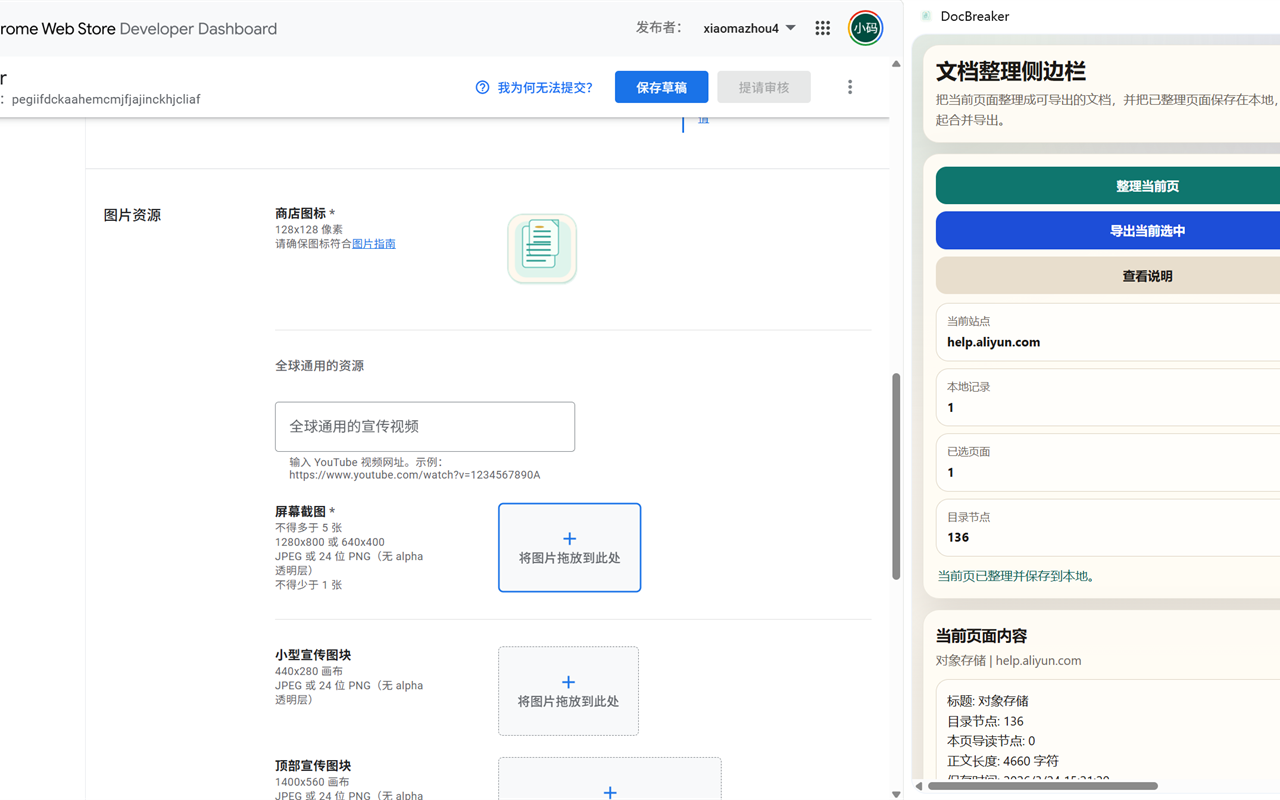
DocBreaker
Turn complex web documentation into exportable Markdown
A Chrome extension for restructuring complex web documentation with TOC preservation, local history, and merged Markdown export.
Self-built online developer tools and personal projects covering JSON, HTML, XML, Markdown, image processing, QR codes, and network lookup for frontend development and daily technical workflows.
All tools run locally in your browser without uploading files to a server.
Online JSON formatting, validation and beautification tool with syntax highlighting, error location, compression, statistics, tree view and mind map visualization for API debugging, config inspection and complex data reading.
Online HTML formatting and beautification tool for indentation, minification, preview and structure cleanup, helping frontend developers debug pages, analyze snippets and maintain template code more efficiently.
Online XML formatter for beautifying, minifying, validating and converting XML to JSON, with error tips that help developers inspect API responses, review configuration files and transform structured data quickly.
All-in-one developer utilities: base conversion, UUID generation, MD5/SHA hashing, Base64 codec, timestamp conversion, URL encoding and random string generation. Runs locally in your browser.
Online QR code generator supporting text, URLs, email, phone and WiFi content, with instant high-quality QR code creation, customizable size and error correction for sharing links, contact details and network information.
QR code decoder supporting image upload, clipboard paste and camera scanning to quickly recognize URLs, text, email, phone and WiFi content, with multi-image batch parsing for documentation and mobile workflows.
Image compressor for JPEG, PNG and WebP files that reduces file size while preserving visual quality, supports batch processing and local browser-side handling for web image optimization and upload preparation.
Image format converter supporting JPEG, PNG, WebP and BMP conversion with adjustable dimensions and output quality, processed locally in the browser for web assets, platform adaptation and privacy-friendly workflows.
IP lookup tool for checking your public IP address, geolocation, ISP details, network connection status and browser network information, plus manual IP queries for troubleshooting, access diagnostics and development debugging.
Online Markdown editor with real-time preview, syntax highlighting, quick toolbar actions, rich-text copy and Word export, useful for drafting documentation, organizing notes, previewing formatting and creating shareable content.
Convert numbers between binary, octal, decimal and hexadecimal bases for development and low-level debugging.
Generate UUID v4 identifiers in bulk with one-click copy for database keys and distributed IDs.
Compute MD5, SHA-1, SHA-256 and SHA-512 hashes instantly for API signing and data verification.
Products I build and maintain independently, including Chrome extensions and desktop apps with public intro, support, and privacy pages.

Chrome Extension
Turn complex web documentation into exportable Markdown
A Chrome extension for restructuring complex web documentation with TOC preservation, local history, and merged Markdown export.

Chrome Extension
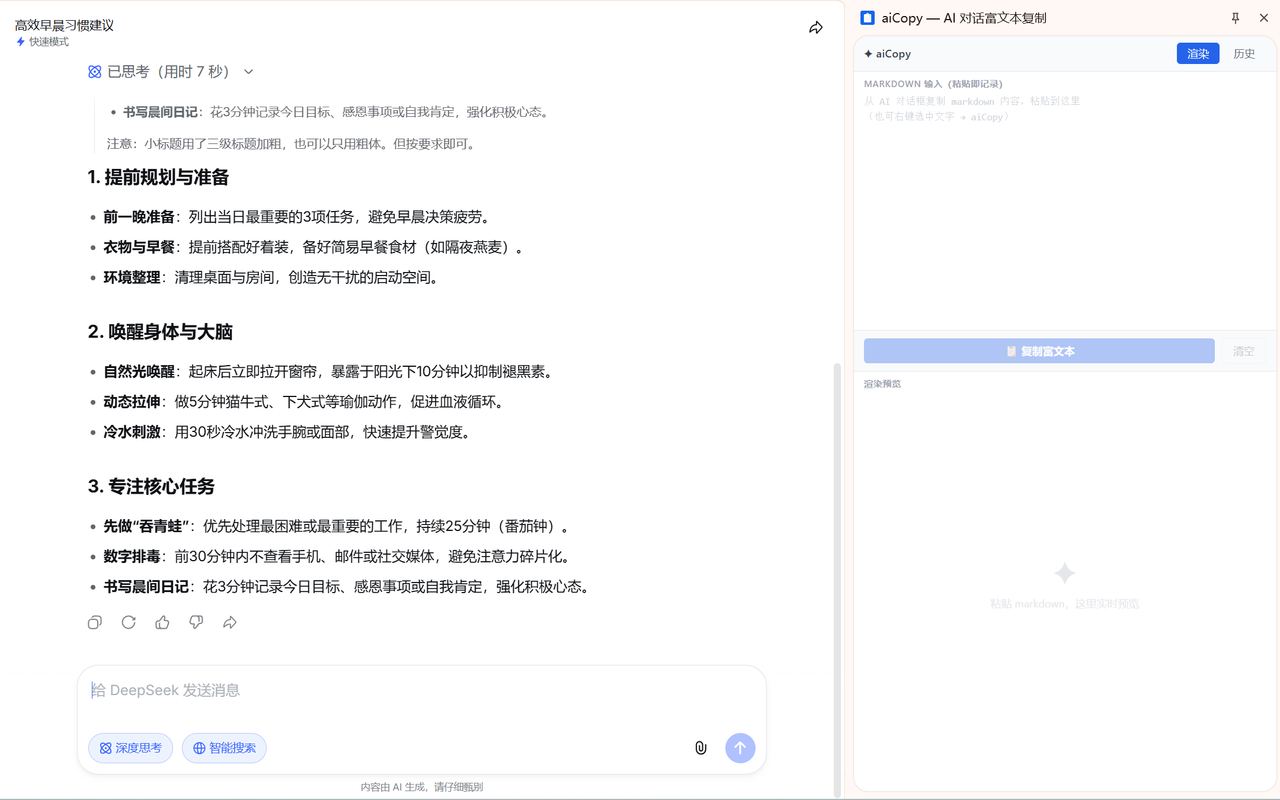
Paste AI responses with perfect formatting
One-click rich-text copy for AI outputs. Renders perfectly in Feishu, Word, Notion and email, with searchable local history.
Desktop App
Workspace
Bind project directories and reduce path switching.
Launcher
Launch opencode, codex, and claude code from one place.
Sessions
Scan local session history and build an index.
Desktop App
Put AI CLI workspaces, launchers, and session history into one desktop app
A local-first desktop app for multi-repo developers to manage workspaces, CLI launchers, proxy injection, launch history, and indexed local sessions.