A Practical Guide to Polly v8: Building Resilient HTTP Clients in .NET 8
Learn how to use Polly v8 to create robust HTTP clients with Retry, Circuit Breaker, and Timeout strategies. This step-by-step tutorial covers pipeline design, exponential backoff with jitter, and seamless integration into ASP.NET Core via dependency injection.
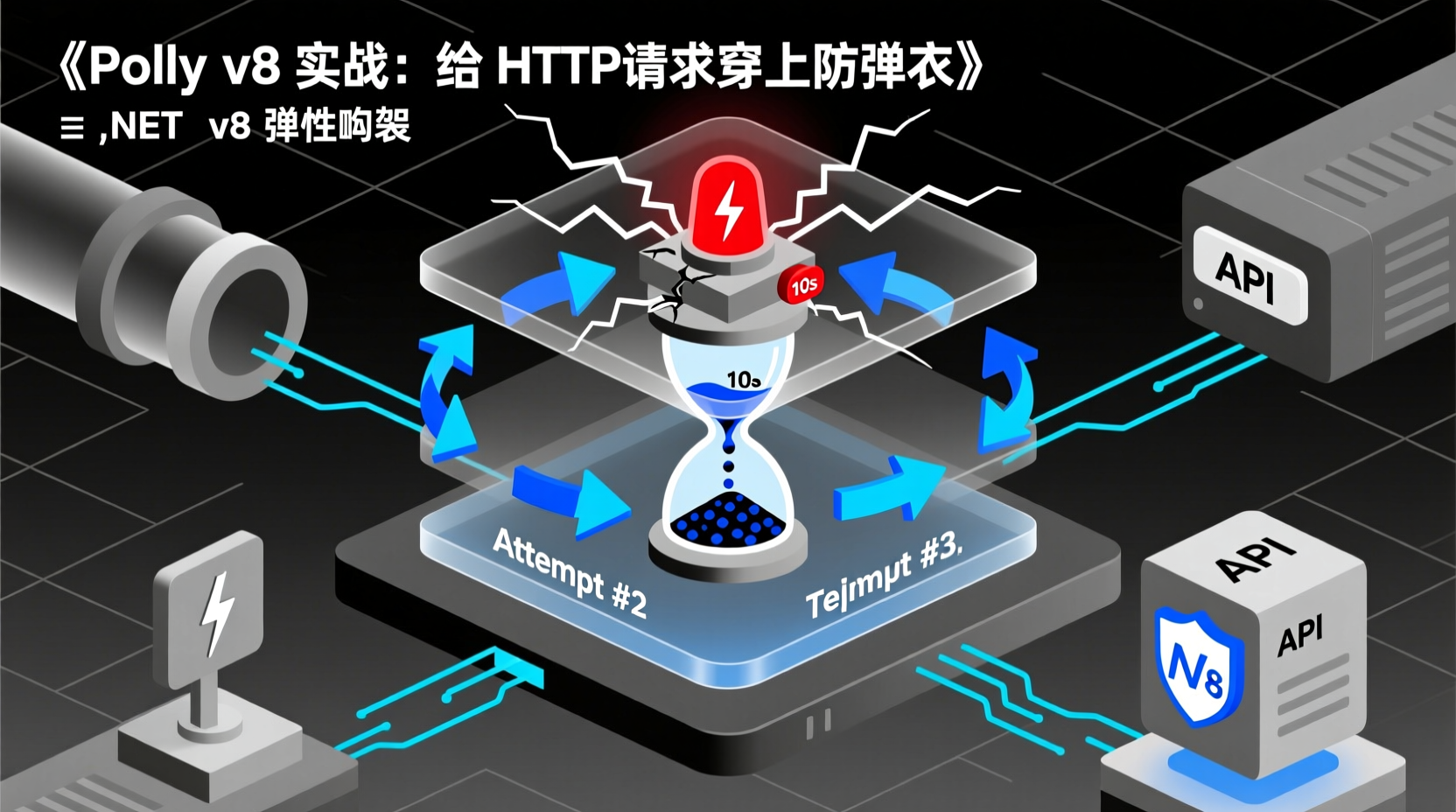
Don't Let Your .NET Services Run Naked: Armor Your HTTP Requests with Polly v8
Have you ever encountered this scenario: your service calls a third-party payment API, it occasionally times out or returns a 503, and you have no retry mechanism in place. It just crashes and returns an error to the user. The user is confused—why did a normal transaction just fail?
Worse, if the downstream service is already failing, your service keeps retrying, piling up thread pool tasks, and eventually crashes itself. This is the classic cascading failure or "avalanche effect."
At its core, these problems point to one requirement: Resilience. Network requests are inherently unreliable. Timeouts, retries, and circuit breakers aren't optional; they are mandatory in production. Today, I'll walk you through using Polly, the most mature resilience library in the .NET ecosystem, to add "bulletproof armor" to your services step by step.
By the end of this guide, you'll be able to build a complete resilience pipeline: Retry + Circuit Breaker + Timeout, ready to drop into your own projects.
Prerequisites
- .NET 8 SDK installed (Polly v8 requires .NET 8+)
- Familiarity with basic C# asynchronous programming (
async/await,CancellationToken) - Understanding of basic
HttpClientusage - A simple ASP.NET Core or Console project
Step 1: Install Polly.Core
Open your terminal, navigate to your project directory, and run:
bash
dotnet add package Polly.CoreWhy Polly.Core instead of the classic Polly package? Starting from v8, Polly underwent a major refactoring. Polly.Core is the brand-new, lightweight, high-performance core API and is the officially recommended approach. The legacy Polly package is now primarily for v7 backward compatibility.
If you also plan to register resilience policies via Dependency Injection in ASP.NET Core (the standard production approach), add this package as well:
bash
dotnet add package Polly.ExtensionsStep 2: Understand the "Resilience Pipeline" Concept
Polly v8's design philosophy revolves around the Pipeline: you chain together necessary policies like building blocks to form a pipeline, and requests flow through it. Execution order is outside-in—the outermost policy intercepts results first.
A typical combination is: Timeout → Retry → Circuit Breaker. Why this order?
- Timeout (innermost): Ensures a single request doesn't hang indefinitely.
- Retry (middle): Retries on timeout or failure, with each retry attempt wrapped in its own timeout protection.
- Circuit Breaker (outermost): When retries fail to save the day, it trips the circuit, stopping further resource waste.
Here's a quick start to see what the API looks like:
csharp
using Polly;
using Polly.Retry;
using Polly.Timeout;

// Create a resilience pipeline: add retry, then timeout
ResiliencePipeline pipeline = new ResiliencePipelineBuilder()
    .AddRetry(new RetryStrategyOptions())          // Uses default retry configuration
    .AddTimeout(TimeSpan.FromSeconds(10))          // 10-second timeout
    .Build();

// Execute your business logic
await pipeline.ExecuteAsync(async token =>
{
    using var client = new HttpClient();
    var response = await client.GetAsync("https://api.example.com/data", token);
    response.EnsureSuccessStatusCode();
    return await response.Content.ReadAsStringAsync(token);
}, CancellationToken.None);
This code already has basic resilience. But default configurations are rarely precise enough, so let's break down each strategy.
Step 3: Configure Your First Retry Strategy
Retrying isn't just a blind while(true). Effective retries must consider: How many attempts? What's the delay between them? What's the backoff strategy? Which exceptions are worth retrying?
csharp
var retryOptions = new RetryStrategyOptions
{
    ShouldHandle = new PredicateBuilder()
        .Handle<HttpRequestException>()            // Only retry network exceptions
        .HandleResult<HttpResponseMessage>(r =>    // Or 5xx responses
            (int)r.StatusCode >= 500),
    BackoffType = DelayBackoffType.Exponential,    // Exponential backoff
    UseJitter = true,                              // Add random jitter
    MaxRetryAttempts = 3,                          // Maximum 3 retries
    Delay = TimeSpan.FromSeconds(2),               // Base delay of 2 seconds
    OnRetry = static args =>                       // Log on each retry
    {
        Console.WriteLine($"Retry attempt {args.AttemptNumber}, reason: {args.Outcome.Exception?.Message}");
        return default;
    }
};
Why exponential backoff + jitter? If all clients retry at the exact same moment, they'll hammer the downstream service again. Exponential backoff increases the delay between retries (2s → 4s → 8s), while jitter adds random perturbation to stagger retry attempts. This is standard for industrial-grade retries.
Step 4: Add a Circuit Breaker
The core idea of a circuit breaker is simple: when a service keeps failing, stop calling it and let it recover.
csharp
var circuitBreakerOptions = new CircuitBreakerStrategyOptions<HttpResponseMessage>
{
    ShouldHandle = new PredicateBuilder<HttpResponseMessage>()
        .Handle<HttpRequestException>()
        .HandleResult(r => (int)r.StatusCode >= 500),
    FailureRatio = 0.5,               // Trigger circuit break if failure rate exceeds 50%
    SamplingDuration = TimeSpan.FromSeconds(30),  // 30-second statistical window
    MinimumThroughput = 8,            // Require at least 8 requests in the window to calculate
    BreakDuration = TimeSpan.FromSeconds(60)      // Wait 60 seconds before half-opening
};
A circuit breaker has three states:
- Closed: Normal state. Requests go through normally.
- Open: Failure threshold exceeded. All requests are immediately rejected (fail fast).
- Half-Open: Break duration elapsed. Allows a few test requests. If successful, transitions to Closed; otherwise, goes back to Open.
Step 5: Complete Hands-on - Register a Resilient HTTP Client in ASP.NET Core
Time for real-world application. In production, we typically use Dependency Injection to manage policies for easier testing and maintenance.
First, ensure you have Polly.Extensions and Microsoft.Extensions.Http.Resilience installed:
bash
dotnet add package Polly.Extensions
dotnet add package Microsoft.Extensions.Http.Resilience
Then, register it in Program.cs:
csharp
using Polly;
using Polly.Retry;
using Polly.CircuitBreaker;
using Polly.Timeout;

var builder = WebApplication.CreateBuilder(args);

// Register an HttpClient with resilience policies
builder.Services.AddHttpClient("resilient-client")
    .AddResilienceHandler("my-pipeline", pipelineBuilder =>
    {
        pipelineBuilder
            // 1. Timeout: max 5 seconds per request
            .AddTimeout(TimeSpan.FromSeconds(5))
            // 2. Retry: exponential backoff, max 3 attempts, handles 5xx & network errors
            .AddRetry(new RetryStrategyOptions<HttpResponseMessage>
            {
                ShouldHandle = new PredicateBuilder<HttpResponseMessage>()
                    .Handle<HttpRequestException>()
                    .HandleResult(r => (int)r.StatusCode >= 500),
                BackoffType = DelayBackoffType.Exponential,
                UseJitter = true,
                MaxRetryAttempts = 3,
                Delay = TimeSpan.FromSeconds(2),
            })
            // 3. Circuit Breaker: trips for 60s if failure rate > 50% in a 30s window
            .AddCircuitBreaker(new CircuitBreakerStrategyOptions<HttpResponseMessage>
            {
                ShouldHandle = new PredicateBuilder<HttpResponseMessage>()
                    .Handle<HttpRequestException>()
                    .HandleResult(r => (int)r.StatusCode >= 500),
                FailureRatio = 0.5,
                SamplingDuration = TimeSpan.FromSeconds(30),
                MinimumThroughput = 8,
                BreakDuration = TimeSpan.FromSeconds(60),
            });
    });

var app = builder.Build();

app.MapGet("/weather", async (IHttpClientFactory factory) =>
{
    var client = factory.CreateClient("resilient-client");
    var response = await client.GetAsync("https://api.open-meteo.com/v1/forecast");
    response.EnsureSuccessStatusCode();
    return Results.Ok(await response.Content.ReadAsStringAsync());
});

app.Run();
Policy stacking order matters: Polly's policy chain executes outside-in. The registration order above is Timeout → Retry → Circuit Breaker, but the actual request flow is:
CircuitBreaker → Retry → Timeout → Actual Request
This means the Circuit Breaker sits on the outside to decide whether to allow traffic. If allowed, it enters the Retry layer, which then issues requests wrapped with Timeout. This order ensures the most logical error-handling hierarchy.
Pitfalls to Avoid
- Always pass
CancellationToken: Polly's Timeout strategy relies on cooperative cancellation. If you ignoretokenin your execution delegate, timeouts won't work. Always passtokento all async methods. - Don't retry every exception: Retrying
ArgumentExceptionorArgumentNullExceptiona hundred times won't fix programming errors. Only retry transient faults (network timeouts,5xx, connection refusals). - Circuit breakers need sufficient traffic: If
MinimumThroughputis too high, low-traffic services will never trip it. If too low, sporadic errors might cause false trips. Adjust based on your QPS. - Jitter is not optional: In high-concurrency scenarios, retries without jitter cause "retry storms," directly taking down an already fragile downstream service.
Conclusion & Next Steps
Today we covered:
- Installing
Polly.CoreandPolly.Extensions - Understanding the Pipeline design philosophy
- Configuring a retry strategy with exponential backoff + jitter
- Setting up a failure-rate-based circuit breaker
- Registering a complete resilient
HttpClientin ASP.NET Core
Polly offers more strategies worth exploring: Fallback (return a default value on failure), Hedging (fire multiple parallel requests and take the fastest), and Rate Limiter. If you need observability, Polly.Extensions has built-in OpenTelemetry integration, ready to connect with Prometheus + Grafana.
Apply this resilience mindset to your next project, and your services will thank you.