Web Development for Beginners: 24 Lessons in 12 Weeks with JavaScript
Web-Dev-For-Beginners: Microsoft Cloud Advocates' free, open-source curriculum for complete beginners. A structured 12-week program with 24 lessons covering HTML, CSS, and JavaScript, using project-based learning to build practical skills through real applications like terrarium interface, typing game, and browser extension. Ideal for mastering web development fundamentals.
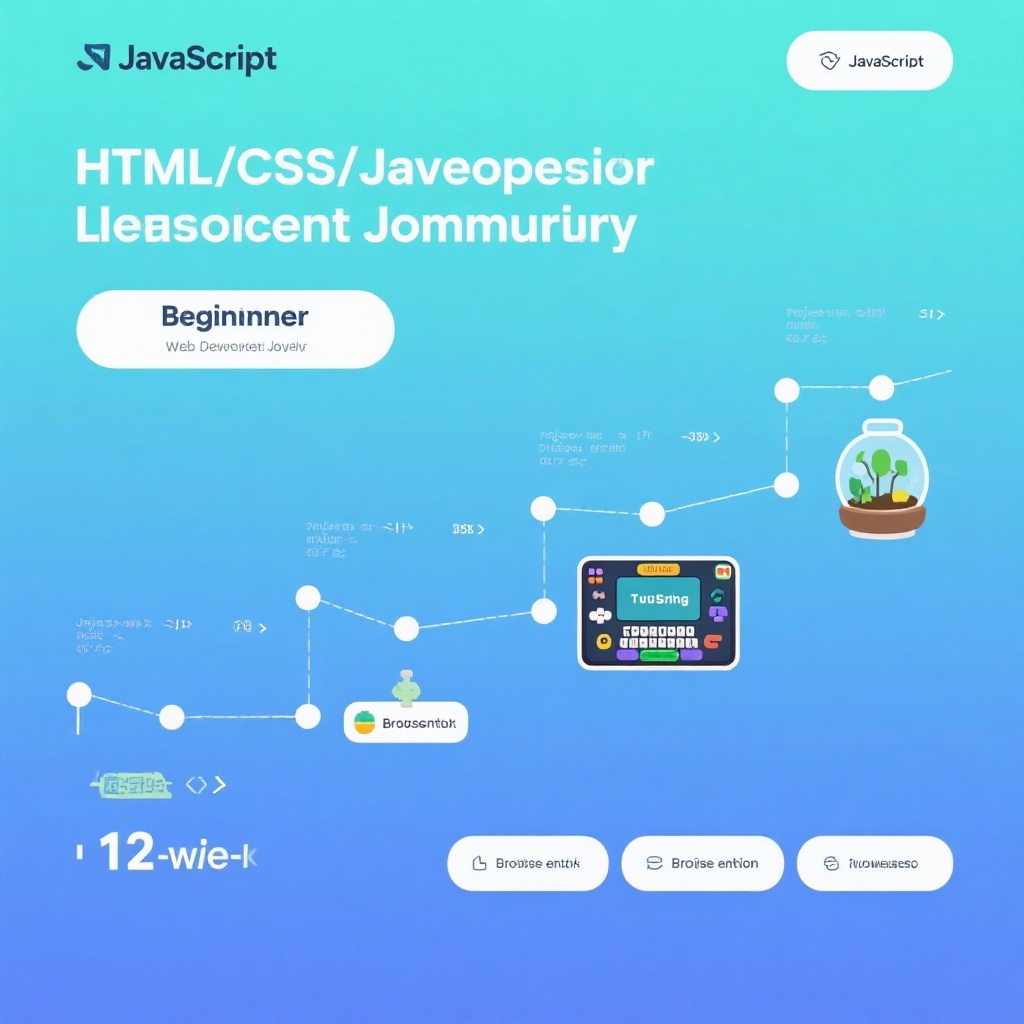
Web-Dev-For-Beginners: A Practical Path to Web Development
What is this project?
Web-Dev-For-Beginners is a free, open-source curriculum developed by Microsoft Cloud Advocates that takes complete beginners through web development fundamentals in a structured 12-week program. With 24 lessons covering HTML, CSS, and JavaScript, it uses project-based learning to build practical skills through real applications like a terrarium interface, typing game, browser extension, space-invader style game, and banking app.
The project addresses a common pain point for new developers: the overwhelming amount of fragmented learning resources available. Instead of piecing together random tutorials, this curriculum provides a cohesive path from fundamentals to functional projects, answering the "what to learn next" question that often stalls beginners.
Core Features Worth Noting
Project-Based Learning Done Right
What stands out immediately is how the curriculum ties concepts directly to tangible projects. Rather than teaching JavaScript arrays in isolation, you'll implement them while building a typing game that tracks words per minute. CSS isn't just about selectors and properties—you'll use it to create responsive layouts for your virtual terrarium that works on both desktop and mobile.
Each project progressively builds complexity. The JavaScript basics section starts with data types and functions before moving to DOM manipulation, preparing you for the interactive elements of later projects. This scaffolding helps prevent the common beginner frustration of learning concepts without seeing their practical application.
Thoughtful Curriculum Structure
The 24 lessons are divided into logical modules:
- Getting Started (programming fundamentals, GitHub, accessibility)
- JavaScript Basics (data types, functions, decisions, arrays)
- Practical Projects (terrarium, typing game, browser extension, etc.)
This sequence mirrors how professional developers actually work—starting with fundamentals, then applying them to increasingly complex projects. I particularly appreciate the early focus on accessibility, a topic often neglected in beginner resources but critical for professional web development.
Integration with Modern Tools
The curriculum doesn't just teach coding—it prepares you for real-world development workflows:
- GitHub integration from week 2, teaching version control basics
- VS Code setup and extensions recommendations
- Local development environment configuration
- Optional Codespace usage for browser-based development
These tools sections avoid overwhelming beginners with too many options, instead providing clear recommendations and setup instructions.
How It Compares to Other Resources
There's no shortage of web development courses, but Web-Dev-For-Beginners differentiates itself in key ways:
Unlike free YouTube tutorials that often lack structure, this provides a complete learning path from start to finish. Compared to paid platforms like Udemy or Pluralsight, it offers comparable content quality at no cost. What separates it from other free resources like freeCodeCamp is the depth of each project and the gradual complexity progression.
The Microsoft backing adds credibility, but more importantly, ensures the content stays current with modern web standards. The recent addition of Generative AI for JavaScript content shows the project is actively maintained.
Who Should Use This?
This curriculum targets true beginners with no prior programming experience. If you've tried learning web development before but got stuck trying to piece together resources, this structured approach will likely help. It's particularly well-suited for:
- Self-learners who need structure but prefer self-paced learning
- Students looking for supplemental material alongside formal education
- Career-changers testing the waters before committing to expensive bootcamps
- Educators seeking a free curriculum for introductory web development courses
The time commitment is reasonable—24 lessons over 12 weeks works out to about 2 lessons per week, making it manageable alongside other responsibilities.
Strengths and Limitations
Clear Advantages:
- Project portfolio value - By the end, you'll have 5+ complete projects to showcase, which is more than many paid courses deliver
- Accessibility focus - Starting accessibility education from the beginning helps build good habits early
- Flexible learning options - Available as GitHub repo, PDF, or via Docsify for offline access
- Community support - Active Discord server and GitHub discussions provide help when you get stuck
- No hidden costs - Truly free with no upsells or premium content locked behind paywalls
Considerations:
- No formal certification - While you gain practical skills, there's no official certificate upon completion (though Microsoft does mention free certificate vouchers for students)
- Limited framework coverage - Focuses on vanilla JS/CSS/HTML without frameworks like React or Vue, which is appropriate for beginners but means additional learning will be needed afterward
- Self-motivation required - Like all self-paced learning, success depends on your discipline to complete the lessons
- Depth vs breadth tradeoff - Some topics could benefit from more depth, but this is necessary to maintain the 12-week scope
Personal Thoughts
As someone who's mentored new developers, I've seen firsthand how project-based learning accelerates skill acquisition. This curriculum nails the balance between theory and practice. The inclusion of pre- and post-lecture quizzes addresses a common issue with self-learning—confirming understanding before moving forward.
I particularly appreciate the focus on building "real" things from early on. The browser extension project, for example, teaches concepts like local storage and API calls while resulting in something you can actually use daily. This immediate practical application reinforces learning better than abstract examples.
One minor criticism is that the JavaScript section could benefit from more modern ES6+ features coverage, but this is a minor quibble given the beginner focus. The recently added Generative AI content shows the maintainers are keeping the curriculum relevant.
When to Choose This Resource
If you're committed to learning web development fundamentals and can dedicate 5-10 hours per week, this curriculum is an excellent choice. It's particularly valuable if you:
- Prefer learning by doing over watching lectures
- Want to build a portfolio while learning
- Appreciate structured paths over unorganized resources
- Need free access to quality education
For complete beginners unsure if web development is right for them, this provides a low-risk way to explore the field without financial commitment.
Final Assessment
Web-Dev-For-Beginners delivers exceptional value for a free resource. Its project-based approach, clear structure, and focus on practical skills make it one of the best free web development curricula available. While it won't make you a job-ready developer in 12 weeks (no single resource can), it provides a solid foundation that you can build upon with more advanced topics.
The 91k+ GitHub stars speak to its quality, but more importantly, the curriculum addresses the fundamental problem many beginners face: knowing exactly what to learn and in what order. For anyone looking to start their web development journey, this project comes highly recommended. 👍