How to Build a Free, Highly Available LLM API Gateway
A step-by-step guide to deploying a unified LLM API gateway using `freellmapi`. Aggregate free quotas from 16+ providers, configure smart routing & automatic failover, and seamlessly integrate it into your AI applications with OpenAI-compatible endpoints.
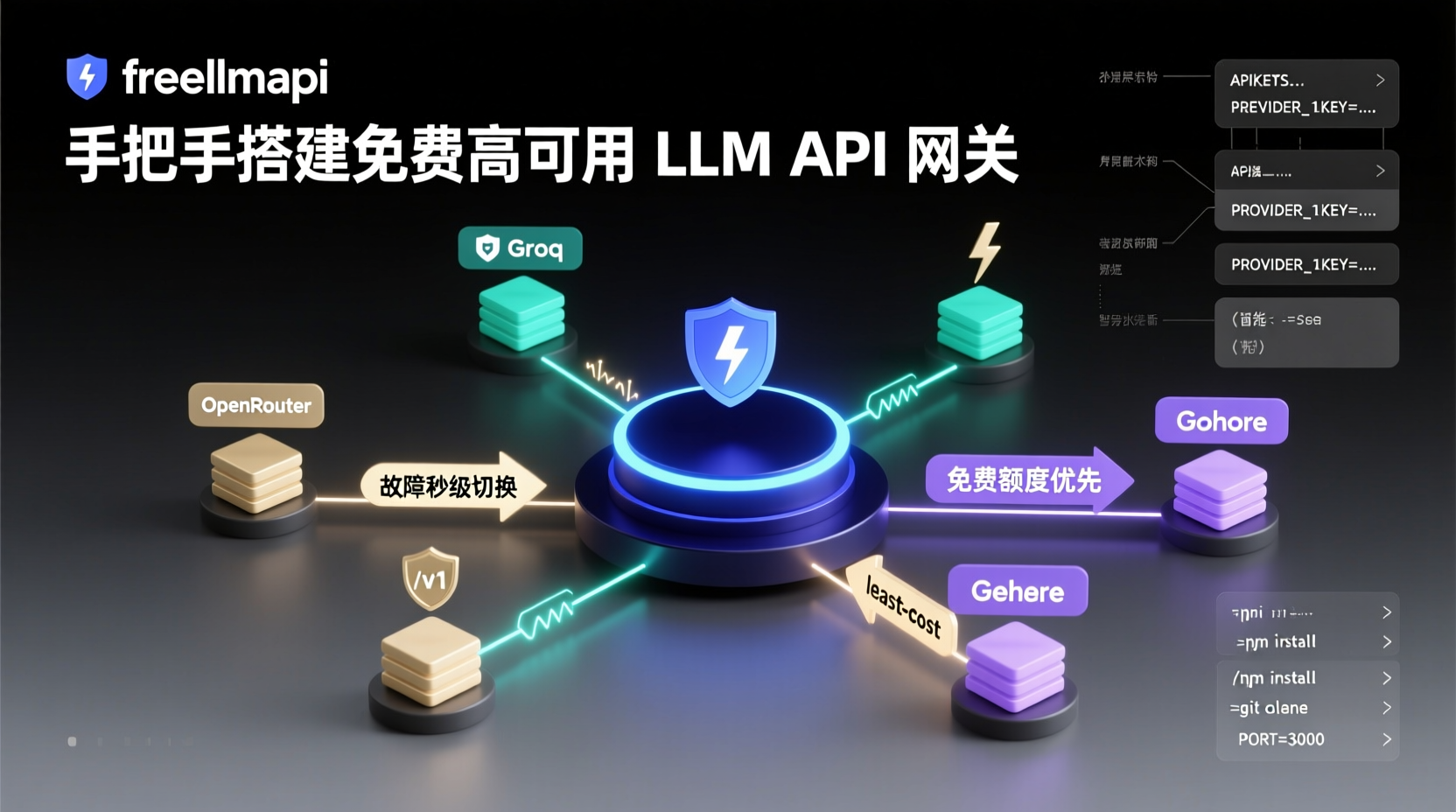
Stop Worrying About API Bills: Build Your Free, Highly Available LLM API Gateway from Scratch
Last week, while helping a friend debug an AI customer service prototype, he complained about OpenAI bills easily hitting dozens of dollars monthly. I asked why he didn't leverage free quotas from various providers. He sighed: "Every time I switch models, I have to change the API endpoints and keys. Writing retry logic for failover is too much of a hassle." If you've faced similar pain points, this tutorial is for you.
In this guide, we'll use the freellmapi project to set up a unified LLM API gateway. Once deployed, you'll get a /v1 endpoint that automatically aggregates free quotas from 16 mainstream LLM providers (averaging ~1.7 billion tokens monthly). It supports smart routing, automatic failover, and encrypted key storage. After completing this guide, your AI apps can point directly to this gateway, eliminating worries about downtime or quota exhaustion from any single provider.
Prerequisites
- Node.js 18+ (The project is built with TypeScript)
- Registered accounts for at least 2 LLM providers with API Keys obtained (Recommended: OpenRouter, Groq, Cohere, etc., for higher free quotas)
- Basic command-line proficiency
Step 1: Clone the Repository and Install Dependencies
bash
git clone https://github.com/tashfeenahmed/freellmapi.git
cd freellmapi
npm install
Why this works: The project uses a modular design with npm for dependency management. Running npm install pulls in the routing engine, encryption modules, and the OpenAI SDK compatibility layer.
Step 2: Configure Provider Keys and Routing Strategy
Create a .env file in the project root and fill it out as follows:
env
## Required: Global Configuration
PORT=3000
API_KEYS=your_master_key_here

## Optional: Provider Keys (arranged by priority)
PROVIDER_1_KEY=sk-xxxxxxx
PROVIDER_1_URL=https://api.openrouter.ai/v1
PROVIDER_2_KEY=gsk_xxxxxxx
PROVIDER_2_URL=https://api.groq.com/openai/v1

## Advanced: Routing Strategy (Example: Prioritize Provider 1, fallback to Provider 2 on failure)
ROUTE_POLICY=round_robin,fallback
Key Notes:
API_KEYSis your authentication key for accessing the gateway. Generate it using a UUID generator for security.- Provider numbers must be sequential (1, 2, 3...). The routing engine attempts them in this order.
ROUTE_POLICYsupportsround_robin,fallback, andleast_cost(prioritizes remaining free quotas).
Step 3: Start the Service
bash
npm run build
npm start
Once successfully started, visiting http://localhost:3000/health should return {"status":"ok","providers":16}.
In Practice: Integrate into Your Python App in 5 Minutes
Install an OpenAI-compatible client:
bash
pip install openaiCreate a test script test_gateway.py:
python
from openai import OpenAI

client = OpenAI(
    base_url="http://localhost:3000/v1",
    api_key="your_master_key_here"
)

response = client.chat.completions.create(
    model="gpt-3.5-turbo",
    messages=[{"role": "user", "content": "Explain quantum computing in three sentences"}]
)
print(response.choices[0].message.content)
After running it, you'll notice: requests hit the gateway first. The gateway selects the optimal provider based on your policy. If rate-limited, it automatically switches providers. The entire process is completely transparent to your application.
Troubleshooting Common Issues
- Startup error
EADDRINUSE: Port 3000 is occupied by default. Change thePORTin.envor terminate the conflicting process. - Returns
429 Too Many Requests: Verify if the provider key is valid. When a provider's quota is exhausted, the gateway logs it and switches automatically. - Custom model names not taking effect: The gateway forwards the
modelparameter transparently. Ensure the target provider actually supports that model ID.
Next Steps
- Deploy in production using Docker, paired with PM2 for process management.
- Use
ROUTE_POLICY=least_costto automatically route to the provider with the highest remaining free quota. - Directly replace the
base_urlparameter in LangChain'sChatOpenAIclass to integrate seamlessly.
Your AI application now has access to a "never-down" model gateway. Try unifying other projects' API endpoints to point to this gateway, and your future self will thank you.