Cherry Studio: The Desktop Swiss Army Knife with 300+ AI Assistants
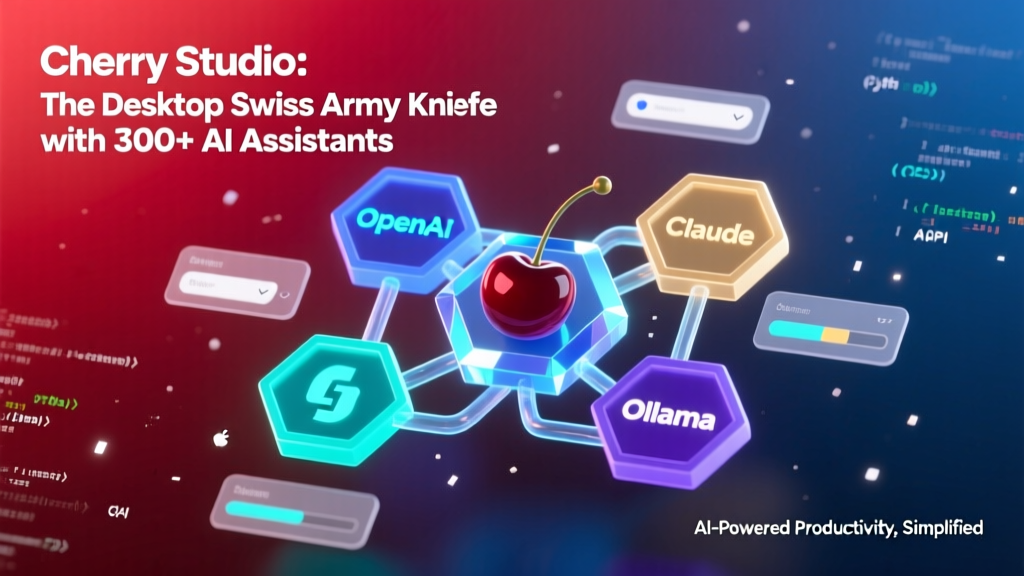
Cherry Studio is a desktop AI aggregation platform supporting 300+ preset AI assistants, unified access to multiple LLM providers (OpenAI, Gemini, Claude, Ollama), and built-in document processing capabilities. Built with TypeScript and Electron, it combines the functionality of Notion, ChatGPT, VS Code, and Obsidian into a single elegant application.
As a Java veteran who's been tortured by Spring Boot for 8 years, my first reaction when I saw Cherry Studio was: "Isn't this just IDEA for the AI era?" But after careful research, I realized it's much more than that—it's essentially an AI Swiss Army knife!
What exactly is this thing?
In simple terms, Cherry Studio is a desktop AI aggregation platform that supports 300+ preset AI assistants, can simultaneously connect to mainstream large models like OpenAI, Gemini, and Claude, and can even run local Ollama models. What surprised me most is that it also has built-in document processing, code highlighting, Mermaid diagram rendering, and other features—it's like stuffing the functionality of Notion, ChatGPT, VS Code, and Obsidian all into one application.
Imagine this: it's like going to a buffet where others give you just a plate (a regular chat interface), but Cherry Studio gives you the entire kitchen—you've got knives for chopping, pots for cooking, spice racks for seasoning, and they've even provided you with a dishwasher.
Technical Architecture Analysis
From the README, it appears that Cherry Studio uses a typical Electron architecture (though not explicitly stated, it's pretty clear given that it's a cross-platform desktop application developed in TypeScript). The advantage of this architecture is high development efficiency—one codebase runs on three platforms—but the trade-off is relatively high memory usage.
The project's core highlight is its unified multi-model access layer. It abstracts away the API differences between different AI providers, so users don't need to worry about whether the underlying call is to OpenAI or Anthropic. This design reminds me of SLF4J logging facade in the Java world—whether you use Logback or Log4j2, the API remains the same.
Additionally, the project mentions an MCP (Model Context Protocol) server, which appears to be their proprietary protocol for passing context information between different AI models. This is a clever design that solves the context loss problem during multi-model collaboration.
Installation and User Experience
To be honest, as someone accustomed to npm install (okay, I admit this old Java dog still has some fear of frontend toolchains), what impressed me most about Cherry Studio is that it doesn't require installation at all!
The project provides pre-compiled versions for Windows, Mac, and Linux—download and use immediately, without configuring Node.js environments or dealing with dependency conflicts. This is absolutely a blessing for users who just want to use AI tools without technical hassle.
bash
## Actually, you don't need to type anything—just download the installation package for your platform from GitHub Releases:
## Windows: cherry-studio-x.x.x.exe
## Mac: cherry-studio-x.x.x.dmg
## Linux: cherry-studio-x.x.x.AppImage
However, if you're a developer wanting to contribute, you'll need to clone the source code and build it according to the development guide.
Core Feature Highlights
1. 300+ Preset AI Assistants
This feature is incredibly practical! Instead of writing prompts from scratch every time, you can directly select the corresponding assistant role. For example, if you want to write SQL, choose the "SQL Expert" assistant; if you want to do code review, choose the "Code Reviewer." It's like ordering at a restaurant—you don't need to cook yourself, just tell the waiter what flavor you want.
2. Multi-Model Parallel Conversations
You can open multiple chat windows simultaneously, each using different AI models. For example, use Claude on the left to write documents, GPT-4 on the right to write code, and a local Ollama model below to handle sensitive data. This level of flexibility is rarely seen in competing products.
3. Document Processing Capabilities
Supports multiple formats including PDF, Office documents, and images, and also offers WebDAV file management. This means you can directly drag your work documents in for AI analysis without needing to convert formats first.
4. Theme Ecosystem
The project also supports custom themes, with the community already contributing various visual styles like Aero and PaperMaterial. As a developer with UI OCD, I find this particularly appealing.
Enterprise vs Community Edition
Interestingly, Cherry Studio also offers an enterprise edition that provides private deployment, unified model management, enterprise knowledge base, and other features. This shows that the team not only has technical expertise but also a clear business model.
The community edition uses the AGPL-3.0 license, requiring compliance with corresponding terms for commercial use; the enterprise edition requires paid purchase. This dual-track open-source + commercial model is quite common and healthy in the current AI tools landscape.
Who Is It For?
- Developers: Write code, look up documentation, perform code reviews—all in one place
- Product Managers: Quickly generate PRDs, user stories, and competitive analyses
- Students: Write papers, conduct research, and learn new knowledge
- Enterprise Users: The enterprise edition is perfect if you need private deployment and team collaboration
My Real Experience
As a Java developer who works with code daily, I believe Cherry Studio's greatest value lies in lowering the barrier to AI adoption. Previously, I had to switch between various websites to use different AI services and remember different API keys and usage restrictions. Now, all of this has been integrated into an elegant desktop application.
However, there are a few points to note:
- Memory Usage: A common issue with Electron applications—they can be quite memory-intensive
- Network Dependency: Most features require internet connectivity, with limited offline capabilities
- Learning Curve: With so many features, newcomers may need time to adapt
Is It Worth Deep Dive?
Absolutely! Even if you don't plan to use Cherry Studio itself, its architectural design approach is highly instructive. Particularly the unified multi-model access layer design, which offers valuable reference for any developer looking to build AI applications.
Moreover, the project is open source with apparently good code quality, and contributing can earn you benefits like Cursor subscription sponsorships. As an open-source enthusiast, I think this positive incentive mechanism is fantastic.
Overall, Cherry Studio represents an important trend in AI tools: evolving from single-function chatbots to comprehensive AI work platforms. While it may not completely replace our IDEs or office software, its value as a productivity accelerator is undeniable.