CodeEdit: A Native Alternative to Electron Editors?
An in-depth analysis of CodeEdit, an open-source native macOS code editor built with Swift that aims to replace Electron-based editors like VS Code. Explores its modular architecture, performance advantages, and potential as a serious alternative for Mac developers.
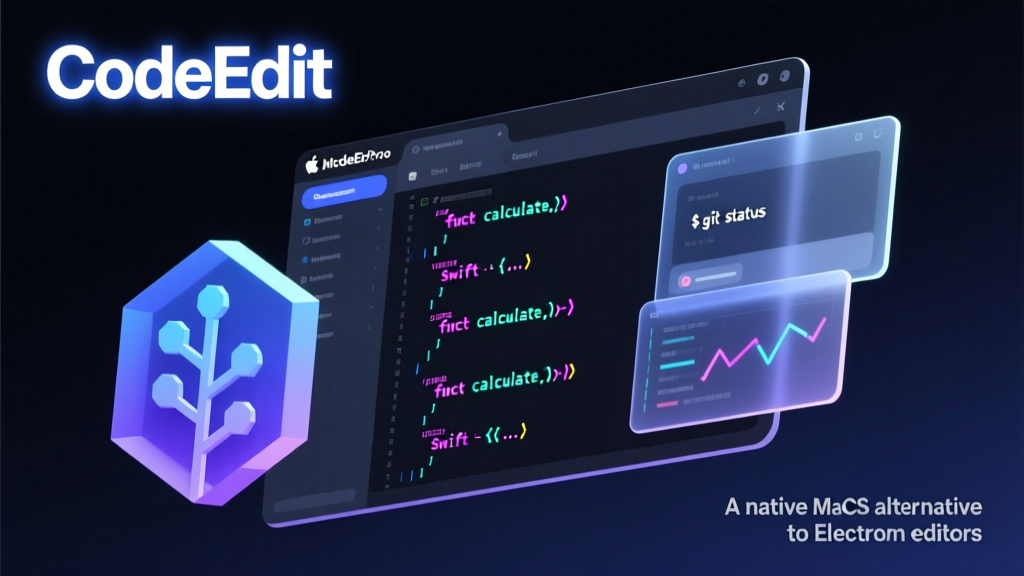
As a Java veteran who's been through the wringer with the Spring ecosystem for years, I have mixed feelings about the CodeEdit project. On one hand, as a cross-platform developer, I've experienced firsthand the performance issues of Electron-based editors. On the other hand, seeing a native macOS editor written in Swift brings back painful memories of my early days wrestling with Xcode for iOS development.
That said, CodeEdit definitely hits a nerve with Mac developers. The README puts it clearly: "Most editors in use today rely on Electron or other cross-platform frameworks, limiting their ability to fully utilize system resources." Isn't that basically describing VS Code? While VS Code is incredibly powerful, its memory footprint and startup time can be genuinely frustrating.
Technical Architecture Analysis
According to the README, CodeEdit employs a classic modular architecture, breaking down the entire editor into multiple independent component libraries:
- CodeEditKit: Core framework
- CodeEditTextView: Text view component
- CodeEditSourceEditor: Source code editor
- CodeEditLanguages: Language support
- CodeEditCLI: Command-line interface
This architecture reminds me of microservices design principles—each component has clear responsibility boundaries and can be developed, tested, and maintained independently. For a complex editor, this is genuinely smart design.
What's particularly noteworthy is CodeEdit's emphasis on "remain[ing] true to Apple's human interface guidelines and development patterns." This means deep integration with macOS native features like Metal rendering, native menus, system notifications, and more. It's like the editor is wearing an Apple-certified suit—it genuinely looks and feels like a first-party application.
Installation and User Experience
Honestly, as a Java developer, my first reaction to seeing a Swift project is: how do I install this? Fortunately, CodeEdit does a decent job here by providing pre-compiled release versions.
bash
## Install via Homebrew (if available)
brew install --cask codeedit

## Or download directly from GitHub Releases
## https://github.com/CodeEditApp/CodeEdit/releases
I didn't find specific code examples in the README since this is a complete desktop application, not a library or framework. But that doesn't diminish its technical value for analysis.
Practical Use Cases
CodeEdit is best suited for these types of users:
- Mac-only developers: If you primarily develop on macOS and don't need cross-platform support
- Performance-sensitive users: Those with high requirements for memory usage and responsiveness
- Apple ecosystem enthusiasts: People who prefer native app experiences and dislike Electron's "web-like" feel
However, note that the README explicitly states: "CodeEdit is currently in development and not yet recommended for production use." So it's not suitable for writing critical production code right now—better for experimentation and feedback.
Competitive Comparison
Let me use an automotive analogy: if we compare code editors to cars,
- VS Code is like a Toyota Corolla—reliable, feature-rich, lots of accessories available, but it drives like an ordinary family car
- Xcode is a Porsche 911—specifically optimized for the track (Apple development), powerful performance but expensive (high learning curve)
- CodeEdit is like someone trying to build a new car that combines Porsche-level performance with Corolla-level practicality
Looking at the feature list, CodeEdit already includes essential modern editor capabilities: syntax highlighting, code completion, project-wide search and replace, code snippets, terminal integration, Git support, debugging features, and more. While still in development, the roadmap is clear.
Personal Perspective and Recommendations
As an 8-year Java backend developer, my stance on CodeEdit is: watchful optimism.
The advantages are clear:
- Genuine native performance
- Open source and free
- Community-driven development
- Adherence to Apple design guidelines
But there are obvious risks:
- Swift ecosystem is relatively closed
- Feature completeness needs time to validate
- Plugin ecosystem needs to be built from scratch
If I were a Mac user, here's what I'd do:
- Download the pre-release version for testing, mainly for non-critical scripts or learning projects
- Follow community developments, especially plugin ecosystem growth
- If my team has Swift developers, consider contributing
Is it worth diving deep into? If you're a Swift developer or planning to move into Apple ecosystem development, absolutely yes. But if you're primarily a Java/Python/Go developer, sticking with VS Code might be more practical.
Overall, CodeEdit represents a meaningful technical exploration—rethinking the value of native applications in today's Electron-dominated editor market. The road ahead is long, but at least it gives us a choice.
json
{
  "repoFullName": "CodeEditApp/CodeEdit",
  "repoUrl": "https://github.com/CodeEditApp/CodeEdit",
  "repoName": "CodeEdit",
  "language": "swift",
  "stars": 22578,
  "analysisContent": "As a Java veteran who's been through the wringer with the Spring ecosystem for years, I have mixed feelings about the CodeEdit project. On one hand, as a cross-platform developer, I've experienced firsthand the performance issues of Electron-based editors. On the other hand, seeing a native macOS editor written in Swift brings back painful memories of my early days wrestling with Xcode for iOS development.\n\nThat said, CodeEdit definitely hits a nerve with Mac developers. The README puts it clearly: \"Most editors in use today rely on Electron or other cross-platform frameworks, limiting their ability to fully utilize system resources.\" Isn't that basically describing VS Code? While VS Code is incredibly powerful, its memory footprint and startup time can be genuinely frustrating.\n\n## Technical Architecture Analysis\n\nAccording to the README, CodeEdit employs a classic modular architecture, breaking down the entire editor into multiple independent component libraries:\n\n- **CodeEditKit**: Core framework\n- **CodeEditTextView**: Text view component  \n- **CodeEditSourceEditor**: Source code editor\n- **CodeEditLanguages**: Language support\n- **CodeEditCLI**: Command-line interface\n\nThis architecture reminds me of microservices design principles—each component has clear responsibility boundaries and can be developed, tested, and maintained independently. For a complex editor, this is genuinely smart design.\n\nWhat's particularly noteworthy is CodeEdit's emphasis on \"remain[ing] true to Apple's human interface guidelines and development patterns.\" This means deep integration with macOS native features like Metal rendering, native menus, system notifications, and more. It's like the editor is wearing an Apple-certified suit—it genuinely looks and feels like a first-party application.\n\n## Installation and User Experience\n\nHonestly, as a Java developer, my first reaction to seeing a Swift project is: how do I install this? Fortunately, CodeEdit does a decent job here by providing pre-compiled release versions.\n\n```bash\n# Install via Homebrew (if available)\nbrew install --cask codeedit\n\n# Or download directly from GitHub Releases\n# https://github.com/CodeEditApp/CodeEdit/releases\n```\n\nI didn't find specific code examples in the README since this is a complete desktop application, not a library or framework. But that doesn't diminish its technical value for analysis.\n\n## Practical Use Cases\n\nCodeEdit is best suited for these types of users:\n\n1. **Mac-only developers**: If you primarily develop on macOS and don't need cross-platform support\n2. **Performance-sensitive users**: Those with high requirements for memory usage and responsiveness\n3. **Apple ecosystem enthusiasts**: People who prefer native app experiences and dislike Electron's \"web-like\" feel\n\nHowever, note that the README explicitly states: \"CodeEdit is currently in development and not yet recommended for production use.\" So it's not suitable for writing critical production code right now—better for experimentation and feedback.\n\n## Competitive Comparison\n\nLet me use an automotive analogy: if we compare code editors to cars,\n- **VS Code** is like a Toyota Corolla—reliable, feature-rich, lots of accessories available, but it drives like an ordinary family car\n- **Xcode** is a Porsche 911—specifically optimized for the track (Apple development), powerful performance but expensive (high learning curve)\n- **CodeEdit** is like someone trying to build a new car that combines Porsche-level performance with Corolla-level practicality\n\nLooking at the feature list, CodeEdit already includes essential modern editor capabilities: syntax highlighting, code completion, project-wide search and replace, code snippets, terminal integration, Git support, debugging features, and more. While still in development, the roadmap is clear.\n\n## Personal Perspective and Recommendations\n\nAs an 8-year Java backend developer, my stance on CodeEdit is: **watchful optimism**.\n\nThe advantages are clear:\n- Genuine native performance\n- Open source and free\n- Community-driven development\n- Adherence to Apple design guidelines\n\nBut there are obvious risks:\n- Swift ecosystem is relatively closed\n- Feature completeness needs time to validate\n- Plugin ecosystem needs to be built from scratch\n\nIf I were a Mac user, here's what I'd do:\n1. Download the pre-release version for testing, mainly for non-critical scripts or learning projects\n2. Follow community developments, especially plugin ecosystem growth\n3. If my team has Swift developers, consider contributing\n\nIs it worth diving deep into? If you're a Swift developer or planning to move into Apple ecosystem development, absolutely yes. But if you're primarily a Java/Python/Go developer, sticking with VS Code might be more practical.\n\nOverall, CodeEdit represents a meaningful technical exploration—rethinking the value of native applications in today's Electron-dominated editor market. The road ahead is long, but at least it gives us a choice."
}