Magisk Android Root: Step-by-Step Installation Guide 2025
Magisk Android root stands as the gold standard for safe, systemless Android modification in 2025. With 55,900+ GitHub stars and 15,300 forks, this open-source tool by topjohnwu lets users gain Android root access without compromising security. This step-by-step guide explores its technical edge, making powerful system customization accessible to all.
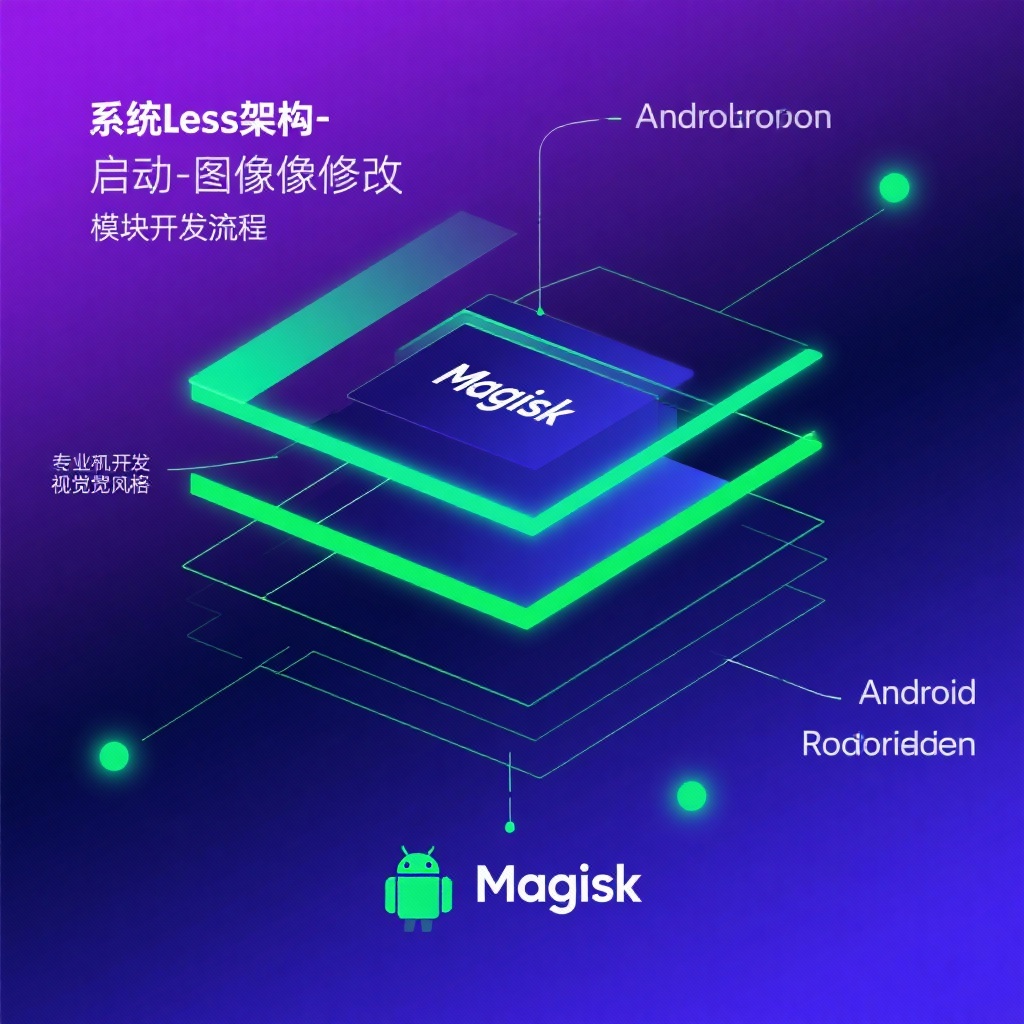
Magisk Android Root: The Complete Guide to Systemless Modification in 2025
In the world of Android customization, Magisk Android root has established itself as the gold standard for users seeking powerful yet safe system modification capabilities. With over 55,900 GitHub stars and 15,300 forks as of 2025, this open-source project by topjohnwu continues to dominate the Android rooting scene. Whether you're looking to gain Android root access, customize your device with modules, or develop advanced modifications, Magisk offers a comprehensive toolkit that has revolutionized how we interact with Android systems. This guide will explore everything from basic Magisk installation to advanced Zygisk module development, providing you with the knowledge to unlock your Android device's full potential.
What is Magisk and Why It Revolutionized Android Rooting
First released in 2016, Magisk has evolved from a simple rooting tool to a complete Android customization suite. Unlike traditional rooting methods that modify system partitions directly, Magisk employs a "systemless" approach that leaves the original system files untouched. This fundamental difference is what makes Magisk the preferred choice for millions of Android enthusiasts and developers worldwide.
The systemless architecture offers several key advantages:
- SafetyNet compliance: Magisk can often bypass Google's SafetyNet checks, allowing access to banking apps and DRM-protected content that typically blocks rooted devices
- OTA update compatibility: Unlike traditional rooting methods, Magisk doesn't prevent system updates
- Complete reversibility: The original system remains intact, making uninstallation clean and straightforward
- Modular customization: Changes are applied through modules that can be easily enabled, disabled, or removed
Core Features of Magisk You Should Know About
Magisk isn't just a rooting tool—it's a complete ecosystem for Android modification. Let's explore its most powerful components:
MagiskSU: Your Gateway to Android Root Access
At the heart of Magisk lies MagiskSU, the component responsible for managing Android root access. Unlike traditional SuperSU, MagiskSU operates systemlessly and offers granular control over which applications can gain root privileges. The latest versions include enhanced security features and improved compatibility with modern Android versions.
Magisk Modules: Extending Android's Capabilities
One of Magisk's most beloved features is its support for Magisk Modules. These packages allow users to modify system behavior without altering the underlying partitions. The Magisk Manager app provides access to a repository of community-created modules, ranging from simple theme changes to advanced system modifications.
Popular module categories include:
- Performance optimizations
- Battery life enhancements
- Camera improvements
- Audio modifications
- Custom fonts and themes
- Ad-blocking solutions
MagiskBoot: The Ultimate Android Boot Image Tool
For advanced users and developers, MagiskBoot image tool is indispensable. This powerful utility can unpack, modify, and repack Android boot images with ease. Whether you need to Android boot image repack after making modifications or analyze the structure of a custom ROM's boot partition, MagiskBoot provides professional-grade capabilities that were previously only available to experienced developers.
Zygisk: Running Code in Application Processes
Introduced in later Magisk versions, Zygisk represents a significant advancement in Android modification. This component allows modules to run code directly in the context of other Android applications, opening up possibilities for deep integration and powerful modifications that were previously difficult or impossible to achieve.
Step-by-Step Magisk Installation Guide (2025 Update)
Installing Magisk has become increasingly streamlined over the years, but it still requires careful attention to detail. Here's the updated Magisk installation guide for 2025:
Prerequisites
- An Android device running Android 6.0 or higher
- Unlocked bootloader (procedure varies by manufacturer)
- Basic familiarity with ADB and Fastboot commands
- Backup of all important data
Installation Steps
- Download the latest Magisk APK from the official GitHub repository
- Extract your device's current boot image:
adb pull /dev/block/bootdevice/by-name/boot boot.img - Patch the boot image using the Magisk Manager app:
- Open Magisk Manager
- Tap "Install" and select "Select and Patch a File"
- Choose the boot.img you extracted
- Flash the patched boot image using Fastboot:
fastboot flash boot magisk_patched.img - Reboot your device
- Verify installation by opening Magisk Manager—you should see your Magisk version and status
For devices with A/B partitioning or Samsung devices with ODIN support, refer to the official installation documentation for device-specific instructions.
Exploring Magisk Modules: Installation and Creation
Installing Magisk Modules
The process for Magisk Modules install is straightforward:
- Download module ZIP files from trusted sources (Magisk Manager's repository, XDA Developers, or GitHub)
- Open Magisk Manager and navigate to the "Modules" section
- Tap the "+" button and select the downloaded ZIP file
- Reboot your device when prompted
Always remember to create a backup before installing new modules, as some may cause instability or compatibility issues.
Creating Your Own Magisk Modules
If you can't find a module that meets your specific needs, learning to Magisk module create allows you to build custom solutions. Here's a basic framework for module development:
-
Create the required directory structure:
module/ ├── META-INF/ │ └── com/ │ └── google/ │ └── android/ │ ├── update-binary │ └── updater-script ├── module.prop ├── post-fs-data.sh (optional) ├── service.sh (optional) └── system/ (your modifications here) -
Define your module properties in module.prop:
id=my_module name=My Custom Module version=1.0 versionCode=1 author=Your Name description=A brief description of my module -
Package your module as a ZIP file and test it through Magisk Manager
For more complex modifications, explore the official documentation and community resources to learn about advanced module capabilities.
Advanced Topics: Zygisk Module Development and MagiskBoot
Zygisk Module Development
With Zygisk module development, you can create powerful modifications that interact directly with application processes. Zygisk leverages the Zygote process—the parent process for all Android apps—to inject code into running applications.
Key considerations for Zygisk development:
- Understand the difference between pre-init, post-fs-data, and late_start service scripts
- Learn to use the Zygisk API for process hooking and modification
- Follow best practices for avoiding detection by anti-cheat systems
- Test thoroughly across different Android versions and ROMs
The official Zygisk module sample provides an excellent starting point for developers looking to explore this advanced feature.
Working with MagiskBoot
The MagiskBoot image tool offers a comprehensive set of commands for boot image manipulation:
Usage: magiskboot <command> [args...]

Supported commands:
  unpack [-n] <bootimg>
  repack <origbootimg> [outbootimg]
  hexpatch <file> <pattern> <replacement>
  cpio <incpio> [commands...]
  dtb <dtb> <command> [args...]
  split <bootimg>
  merge <kernel> <ramdisk> [second] <outbootimg>
  unpackbootimg [args...] (legacy)
  mkbootimg [args...] (legacy)
These commands allow advanced users to unpack boot images, modify their components, and repack them—essential skills for custom ROM development and advanced system modifications.
Magisk in 2025: Compatibility and Best Practices
Compatibility with Modern Android Versions
As of 2025, Magisk maintains excellent compatibility with the latest Android versions. Whether you're looking to Magisk root Android 12 or newer releases, the development team consistently updates Magisk to support new system changes.
However, always verify compatibility before updating your Android version:
- Check the official Magisk GitHub for compatibility announcements
- Look for device-specific information on XDA Developers forums
- Consider creating a system backup before major Android updates
Best Practices for Magisk Users
To ensure a smooth experience with Magisk, follow these recommendations:
- Use official sources only: Download Magisk and modules exclusively from trusted repositories to avoid malware
- Keep Magisk updated: Regular updates often include security patches and compatibility improvements
- Monitor module conflicts: If you experience issues, try disabling modules one by one to identify conflicts
- Use Magisk debug build for troubleshooting when reporting issues to the development team
- Understand the risks: Root access can compromise security if misused—only grant root to trusted applications
Magisk and Custom ROMs
Magisk works exceptionally well with Android custom ROM distributions. Many custom ROM developers even include Magisk support out of the box or provide specific guidance for optimal integration. When switching ROMs, remember to:
- Uninstall Magisk before flashing a new ROM
- Reinstall Magisk after the ROM is installed
- Check for ROM-specific Magisk modules that enhance functionality
Conclusion: The Power of Magisk for Android Enthusiasts
Magisk has fundamentally changed the Android modification landscape by providing a safe, powerful, and user-friendly platform for system customization. From basic Android root access to advanced Zygisk module development, Magisk offers tools for users of all skill levels.
As we've explored in this guide, Magisk's systemless approach provides unparalleled flexibility while maintaining compatibility with critical system features. Whether you're looking to install modules, create custom modifications, or simply gain root access, Magisk delivers a comprehensive solution that continues to evolve with the Android ecosystem.
For those interested in pushing the boundaries of what's possible with Android, Magisk represents not just a tool, but an entire ecosystem of customization. With its active development community and commitment to innovation, Magisk remains the top choice for Android enthusiasts seeking to unlock their device's full potential in 2025 and beyond.
Remember to always proceed with caution when modifying your device, follow best practices, and stay informed about the latest developments in the Magisk ecosystem. The power to transform your Android experience is at your fingertips—use it wisely!