Frigate NVR: Real-Time Local Object Detection for IP Cameras
Frigate NVR setup empowers IP cameras with cutting-edge local IP camera detection, standing as 2025's top open-source AI NVR solution. This privacy-centric system delivers real-time frigate object detection locally, merging performance and customization without cloud dependency—ideal for upgrading home security with advanced, private camera management.
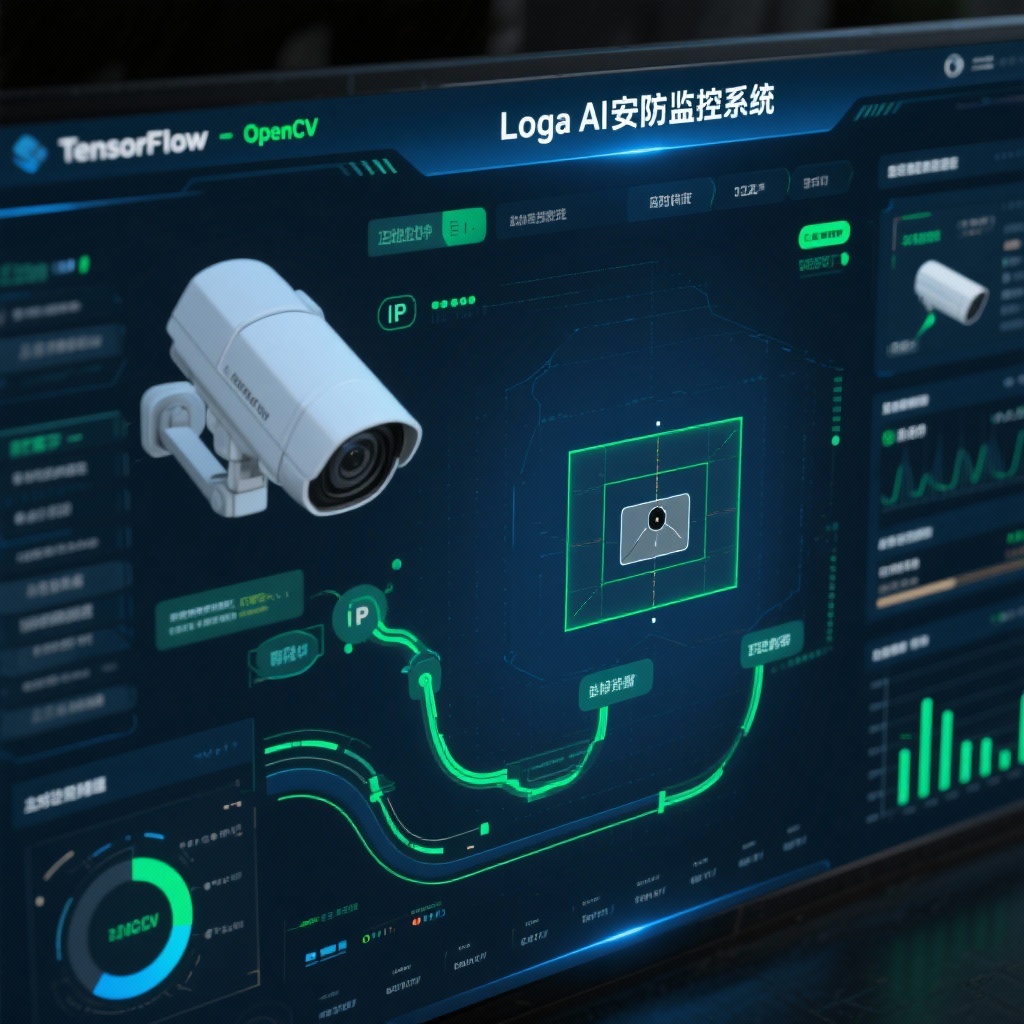
Frigate NVR Setup Guide 2025: Transform Your IP Cameras with Local AI Object Detection
In an era where home security is increasingly important, the Frigate NVR setup offers a game-changing approach to IP camera management. As of 2025, this open-source solution has established itself as the leading local IP camera detection system, providing users with an AI-powered NVR solution that prioritizes privacy, performance, and customization. With over 25,000 stars on GitHub, Frigate has evolved from a promising project into a mature platform that transforms ordinary IP cameras into intelligent surveillance tools through TensorFlow camera detection and edge computing capabilities.
What is Frigate NVR?
Frigate, developed by blakeblackshear, is a revolutionary IP camera AI NVR (Network Video Recorder) that brings advanced object detection directly to your local network. Unlike traditional NVR systems that simply record video footage, Frigate integrates TensorFlow camera detection with real-time processing to identify and classify objects without relying on cloud services.
At its core, Frigate is designed to be lightweight yet powerful, leveraging OpenCV for motion detection and TensorFlow for object classification. This combination creates a system that intelligently analyzes camera feeds to detect people, vehicles, pets, and other custom-defined objects—all while minimizing resource usage through sophisticated processing optimization.
Why Choose Frigate Over Traditional NVR Solutions?
1. Privacy-First Architecture
By processing all video footage locally, Frigate eliminates the privacy concerns associated with cloud-based surveillance systems. Your camera streams never leave your network, protecting sensitive information from potential data breaches or unauthorized access.
2. Superior Processing Efficiency
Traditional NVRs either record continuously (wasting storage space) or rely on basic motion detection (producing excessive false alerts). Frigate's intelligent approach combines low-overhead motion detection with targeted object detection, only analyzing frames when activity occurs in specific regions.
3. AI Acceleration Support
Frigate delivers exceptional performance when paired with dedicated AI accelerators like Google Coral NVR setup or Hailo devices. These affordable add-ons enable real-time analysis (10-30 FPS) with minimal CPU usage, outperforming even high-end processors while consuming significantly less power.
4. Flexible Integration Options
With native Frigate MQTT integration and a dedicated Home Assistant component, Frigate seamlessly connects with smart home ecosystems. This interoperability allows for automated responses to detected events, such as triggering lights when a person is identified or sending alerts for specific object types.
5. Advanced Streaming Capabilities
Frigate's RTSP re-streaming NVR functionality reduces camera load by creating a single stream that multiple applications can access simultaneously. Additionally, its WebRTC camera live view support delivers sub-second latency video feeds to connected devices.
Frigate NVR Setup: Hardware Requirements
Before diving into Frigate NVR setup, it's essential to ensure your hardware can support its requirements. While Frigate can run on various platforms, performance varies significantly based on your configuration:
Minimum Requirements:
- CPU: Quad-core processor (Intel i5/Ryzen 5 or equivalent)
- RAM: 4GB (8GB recommended)
- Storage: SSD with sufficient space for video retention
- Network: Gigabit Ethernet for camera connectivity
Recommended Configuration:
- AI Accelerator: Google Coral TPU (70-100) or Hailo-8 (150-200)
- Processor: Intel N100/N200 or equivalent low-power, multi-threaded CPU
- Storage: 1TB+ SSD for 24/7 recording with object-based retention
- Container Platform: Docker on Linux (recommended) or Proxmox LXC
Note: While Frigate can run on Raspberry Pi 4/5, performance with multiple cameras may be limited without an attached Coral TPU.
Step-by-Step Frigate NVR Setup Guide
1. Preparing Your Environment
Start by ensuring your system meets the hardware requirements and has Docker installed:
bash
## For Ubuntu/Debian systems
sudo apt update && sudo apt install -y docker.io docker-compose
sudo systemctl enable docker && sudo systemctl start docker
2. Basic Configuration
Create a docker-compose.yml file with your initial configuration:
yaml
version: "3.9"
services:
  frigate:
    container_name: frigate
    image: blakeblackshear/frigate:stable
    restart: unless-stopped
    privileged: true
    shm_size: "64mb"  # Adjust based on number of cameras
    devices:
      - /dev/bus/usb:/dev/bus/usb  # For Coral USB
      - /dev/dri/renderD128:/dev/dri/renderD128  # For Intel Quick Sync
    volumes:
      - /etc/localtime:/etc/localtime:ro
      - ./config.yml:/config/config.yml
      - ./media:/media/frigate
      - type: tmpfs
        target: /tmp/cache
        tmpfs:
          size: 1000000000
    ports:
      - "5000:5000"
      - "8554:8554"  # RTSP feeds
      - "8555:8555/tcp"  # WebRTC over TCP
      - "8555:8555/udp"  # WebRTC over UDP
    environment:
      - FRIGATE_RTSP_PASSWORD=your_secure_password
3. Camera Configuration
Create a config.yml file to define your camera setup and detection parameters:
yaml
mqtt:
  host: your_mqtt_broker_ip
  user: mqtt_user
  password: mqtt_password

detectors:
  coral:
    type: edgetpu
    device: usb  # Use 'pci' for M.2 Coral or 'auto'

cameras:
  front_door:
    ffmpeg:
      inputs:
        - path: rtsp://camera_user:camera_password@camera_ip:554/stream1
          roles:
            - detect
            - record
    detect:
      width: 1280
      height: 720
      fps: 5
    objects:
      track:
        - person
        - car
        - dog
    motion:
      mask: 0,0,1280,0,1280,200,0,200  # Mask out sky/trees
    record:
      enabled: true
      events:
        required_zones:
          - front_porch
    zones:
      front_porch:
        coordinates: 400,200,800,200,800,720,400,720
4. Launching Frigate
Start your Frigate instance and monitor the logs for any configuration errors:
bash
docker-compose up -d
docker logs -f frigate
5. Accessing the Web Interface
Once running, access the Frigate dashboard at http://your_server_ip:5000. The intuitive interface allows you to:
- View live camera feeds with WebRTC camera live view
- Review recorded events with object filtering
- Adjust detection zones and sensitivity
- Monitor system performance metrics
Frigate Object Detection: Configuration & Optimization
Tuning Detection Parameters
For optimal Frigate object detection performance, fine-tune these key parameters in your config.yml:
yaml
detect:
  max_disappeared: 25  # Number of frames before object is considered gone
  stationary:
    interval: 0  # Disable stationary object tracking if not needed
    threshold: 50

objects:
  track:
    - person
    - car
  filters:
    person:
      min_score: 0.75  # Reduce false positives
      threshold: 0.75
    car:
      min_score: 0.65
      threshold: 0.65
Optimizing Performance
-
Adjust Detection Resolution: Lower resolutions (720p) reduce processing load while maintaining accuracy for most scenarios.
-
Limit FPS: 5-10 FPS is sufficient for security applications and reduces CPU/GPU usage.
-
Configure Motion Masks: Exclude areas with frequent movement (trees, traffic) to focus processing on relevant zones.
-
Utilize Zones: Define specific areas for object detection to avoid unnecessary analysis.
Integrating Frigate with Your Smart Home Ecosystem
Frigate Home Assistant Integration
The official Frigate integration for Home Assistant provides seamless connectivity:
- Add the custom repository in HACS:
blakeblackshear/frigate-hass-integration - Install the Frigate integration
- Configure with your Frigate server URL and MQTT credentials
- Access entities for each camera and object type
This integration creates binary sensors (e.g., binary_sensor.front_door_person) that trigger when objects are detected, enabling automations like:
yaml
automation:
  - alias: "Alert on Front Door Person"
    trigger:
      platform: state
      entity_id: binary_sensor.front_door_person
      to: "on"
    action:
      - service: notify.mobile_app_your_phone
        data:
          message: "Person detected at front door"
          data:
            image: "{{ states.camera.front_door_event.attributes.entity_picture }}"
Frigate MQTT Integration
For systems other than Home Assistant, Frigate publishes detailed events via MQTT:
frigate/front_door/person {"id": "123", "score": 0.92, "box": [100, 200, 300, 400], "area": 25000}These messages can trigger actions in Node-RED, OpenHAB, or other automation platforms.
Real-World Performance: What to Expect
With a mid-range system (Intel N100 + Google Coral TPU), Frigate typically delivers:
- 4-6 cameras at 720p/5FPS with real-time detection
- ~15-25% CPU usage and <5% Coral utilization per camera
- Latency of 200-500ms for object detection
- WebRTC live view with <1 second latency
- Storage usage of ~5-15GB per camera per day (depending on activity)
Performance scales nearly linearly with additional Coral TPUs for larger camera setups.
Conclusion: Is Frigate NVR Right for You?
Frigate represents the future of home surveillance, offering a compelling alternative to both expensive commercial NVR systems and privacy-compromising cloud solutions. Its local IP camera detection capabilities provide peace of mind without recurring fees or data privacy concerns.
Frigate excels in scenarios like:
- Smart homes using Home Assistant
- Multi-camera setups requiring intelligent event filtering
- Privacy-sensitive environments
- Users comfortable with basic Linux/Docker configuration
While Frigate requires more initial setup than plug-and-play solutions, the flexibility, performance, and cost savings make it well worth the investment for tech-savvy users. With active development and a passionate community, Frigate continues to evolve, solidifying its position as the premier AI-powered NVR solution for the modern smart home.
Ready to transform your IP cameras with intelligent local processing? Begin your Frigate NVR setup today and experience the power of edge computing for home security.