LangBot: Spring Cloud for IM Bots in the LLM Era
LangBot is a production-grade, multi-platform LLM bot development platform built with Python. It solves the fragmentation problem of IM APIs through an adapter pattern, offers a VS Code-like plugin system (including MCP protocol support), and provides a no-code Web UI for configuration. With one-command startup via uvx and Docker Compose deployment, it's ideal for teams building AI customer service across QQ, WeCom, Telegram, Discord and more.
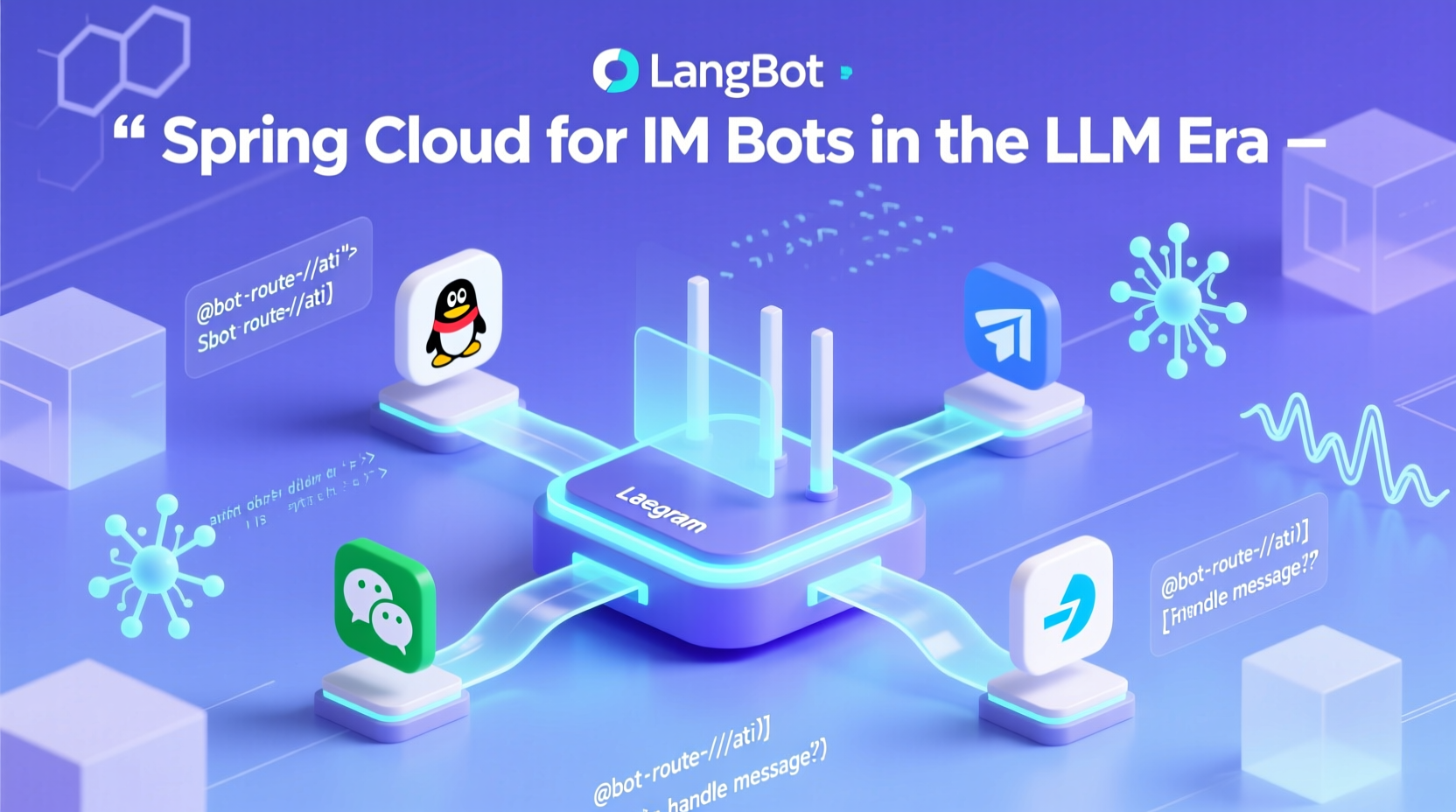
As a Java veteran who’s been wrestling with Spring Boot and Maven for eight years, my first reaction upon seeing LangBot—a Python project—was: “Isn’t this basically ‘Spring Cloud for IM Bots’ in the LLM era?”
LangBot’s positioning is crystal clear: it’s not yet another toy-level chatbot script, but a genuinely production-ready, multi-platform, pluggable, and highly available LLM bot development platform. If you’ve ever struggled in an enterprise setting to integrate a hybrid messaging system combining WeChat Official Accounts, ChatGPT, DingTalk, and Feishu, you’ll immediately appreciate how valuable such a unified abstraction layer truly is.
What Problem Does It Actually Solve?
Imagine this: your company needs to provide AI customer support simultaneously across four channels—QQ, WeCom (Enterprise WeChat), Telegram, and Discord. Each platform has different API formats, authentication methods, and message structures. The traditional approach? Write four separate codebases—an operational nightmare.
LangBot acts like a “message router + AI glue layer.” It normalizes messages from all platforms into standard events, connects them to various large language models (OpenAI, DeepSeek, Gemini, Ollama… even LLMOps platforms like Dify and Coze), and extends functionality through a plugin system (e.g., TTS, text-to-image, RAG knowledge bases).
This architectural philosophy mirrors Spring’s “convention over configuration” and “auto-configuration”—except LangBot is implemented in Python and optimized specifically for LLM scenarios.
Technical Stack & Architectural Highlights
According to the README, LangBot’s core design rests on three pillars:
- Multi-Platform Adapters (Adapter Pattern): Each IM platform (QQ, Feishu, Telegram, etc.) gets its own dedicated adapter, exposing a unified interface externally. This classic adapter pattern shields upper-layer logic from underlying differences.
- Plugin-Based Extensibility (Plugin System): Supports an event-driven plugin mechanism—even compatible with Anthropic’s MCP (Model Context Protocol). This means you can extend your bot’s capabilities just like installing VS Code extensions.
- Web Management Dashboard: Say goodbye to hand-written YAML! Configure bots, models, permissions, and more visually through your browser—dramatically lowering the ops barrier, especially for non-technical team members.
Performance-wise, while the README doesn’t specify exact QPS figures, it emphasizes keywords like “production-grade,” “rate limiting,” and “sensitive word filtering,” indicating that high concurrency and security were considered. Combined with Docker/K8s deployment options, it comfortably meets the needs of small-to-mid-sized enterprises.
Getting Started: Simpler Than Spring Boot?
What surprised me most was the launch experience. As a Java developer used to mvn spring-boot:run or gradle bootRun, I was stunned that LangBot requires just one command:
bash
uvx langbotThis is powered by uv, Python’s next-gen package manager (developed by Astral, claimed to be 100x faster than pip). Simply visit http://localhost:5300 to access the WebUI—no config files needed. For Java developers, this feels like a therapeutic massage for the soul!
Of course, if you prefer containerization, Docker Compose is equally straightforward:
bash
git clone https://github.com/langbot-app/LangBot
cd LangBot/docker
docker compose up -d
Who Is It For?
- Small-to-Mid Teams: Want to quickly build multi-platform AI customer service without reinventing the wheel.
- Freelance Developers: Taking on gigs to build Telegram/WeChat bots—LangBot saves ~80% of foundational work.
- LLM Enthusiasts: Experimenting with local Ollama models + Discord bots? LangBot offers out-of-the-box integration.
Caveats (From a Biased Java Veteran)
- Python’s “Flexibility Trap”: While deployment is simple, Python still faces type safety and dependency conflicts in large projects. LangBot’s use of
uvhelps, but long-term maintenance requires caution. - WebUI Permission Granularity: The README lacks details on RBAC design. For multi-tenant SaaS use cases, custom development may be necessary.
- Depth of Chinese Platform Support: Although WeCom and DingTalk are supported, compliance features like “WeCom conversation archiving” need real-world validation.
How Would I Use It?
I’d treat it as an “AI Message Middleware” embedded into existing systems:
- Connect LangBot to WeCom and Feishu as internal knowledge base Q&A entry points.
- Use plugins to trigger n8n workflows: “User query → auto-query database → generate report.”
- Pair with Ollama to run open-source models locally, keeping sensitive data in-house.
Is It Worth Learning?
Absolutely! Even if you’re a Java developer, LangBot’s architectural ideas—adapters, plugins, unified event bus—are directly transferable to the JVM ecosystem. More importantly, understanding how the Python community tackles similar problems helps you break free from Spring-centric thinking. After all, a technologist’s ultimate weapon is abstraction ability, not any specific programming language.
Final rant: Watching LangBot spin up a full-featured bot with a single command, then remembering last week’s struggle debugging Spring Security OAuth2’s redirect_uri… sigh. Times have changed—and us old-school coders better learn some new tricks!