Pyxel Game Engine: Create Retro Games Easily with Python
Discover how Pyxel game engine simplifies python game development for creating charming retro-style pixel art games. This lightweight yet powerful framework, built with Rust for performance and Python for accessibility, has earned 16,000+ GitHub stars in the indie dev community. Perfect for developers seeking a simple way to craft nostalgic games without sacrificing functionality—ideal for retro game engine python projects.
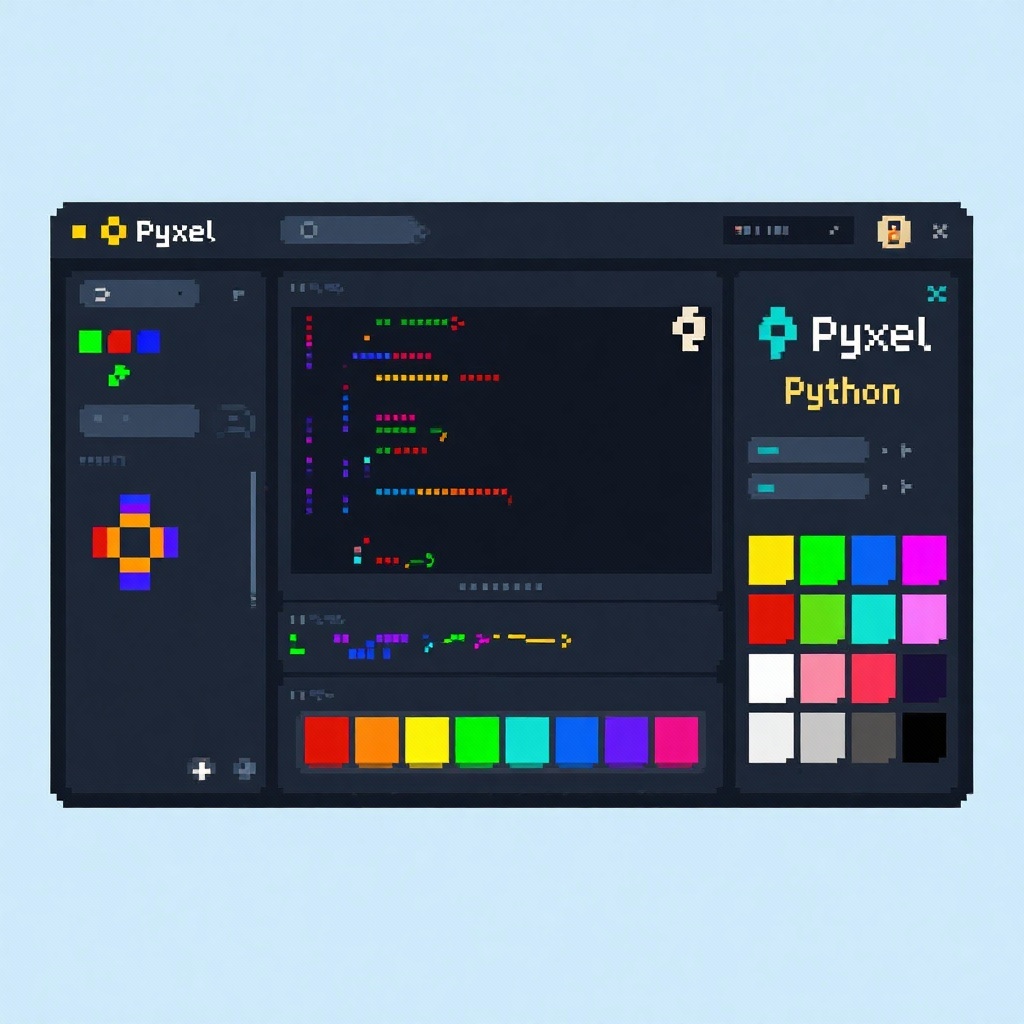
Pyxel Game Engine: Create Retro-Style Pixel Art Games with Python
In the world of Python game development, finding the perfect balance between simplicity and functionality can be challenging—especially when you're aiming to create charming retro-style games. Enter Pyxel game engine—a lightweight yet powerful framework that has taken the indie game development community by storm with over 16,000 GitHub stars. Built with Rust for performance and wrapped in Python for accessibility, Pyxel empowers developers to craft authentic pixel art games with minimal code, making it an ideal choice for both beginners and experienced developers looking to explore retro game development.
Why Choose Pyxel for Retro Game Development?
While there are several game engines available for Python, Pyxel stands out for its laser focus on retro game aesthetics and simplicity. Unlike heavyweight engines that require extensive setup and complex configurations, Pyxel embraces constraints inspired by classic gaming consoles, providing a creative sandbox that actually enhances creativity rather than limiting it.
What truly distinguishes Pyxel from alternatives like Pygame or Arcade is its all-in-one package: it includes not just rendering and input systems, but also built-in image and sound editing tools specifically designed for pixel art creation. This means you can develop your entire game—from code to assets—without ever leaving the Pyxel ecosystem.
Core Features of the Pyxel Python Engine
Pyxel's specifications are thoughtfully designed to evoke the nostalgia of 8-bit and 16-bit gaming while providing modern convenience:
Authentic Retro Hardware Limitations
Inspired by systems like PICO-8 and TIC-80, Pyxel incorporates intentional constraints that fuel creativity:
- A fixed 16-color palette (customizable for personalized retro vibes)
- 4 sound channels for creating chiptune music and sound effects
- 3 image banks (256x256 each) for sprite and background storage
- 8 tilemaps for building expansive game worlds efficiently
Cross-Platform Compatibility
Whether you're developing on Windows, Mac, Linux, or even the web, Pyxel has you covered. The engine runs seamlessly across platforms, and with its WebAssembly support, you can easily share your creations as browser-based games without any additional porting work.
Intuitive Python API
Pyxel's Python API is refreshingly straightforward. With just a few lines of code, you can have a window running and basic graphics displayed:
python
import pyxel

pyxel.init(160, 120, title="My First Pyxel Game")

def update():
    if pyxel.btnp(pyxel.KEY_Q):
        pyxel.quit()

def draw():
    pyxel.cls(0)  # Clear screen with black
    pyxel.rect(10, 10, 20, 20, 11)  # Draw a red square

pyxel.run(update, draw)
Built-In Development Tools
Pyxel eliminates the need for external asset creation software with its integrated editors:
- Image Editor: Design pixel-perfect sprites and backgrounds
- Tilemap Editor: Create game levels using your custom tilesets
- Sound Editor: Compose chiptune music and sound effects
- Music Editor: Arrange sounds into complete musical tracks
Getting Started with Pyxel Python
Getting up and running with Pyxel is surprisingly simple, regardless of your operating system:
Installation
For Windows users with Python 3.8 or higher:
bash
pip install -U pyxelFor macOS users:
bash
brew install pipx
pipx ensurepath
pipx install pyxel
For Linux users (after installing SDL2 dependencies):
bash
sudo pip3 install -U pyxelExploring Examples
Pyxel includes a wealth of examples to help you learn. After installation, copy them to your local machine with:
bash
pyxel copy_examplesThen run any example to see Pyxel in action:
bash
cd pyxel_examples
pyxel run 07_snake.py
Creating Your First Retro Game with Pyxel
Let's walk through the process of creating a simple "collect the coins" game to demonstrate Pyxel's capabilities:
- Set up the game window:
python
import pyxel
import random

pyxel.init(160, 120, title="Pyxel Coin Collector")- Initialize game objects:
python
player_x = 80
player_y = 60
coins = [(random.randint(10, 150), random.randint(10, 110)) for _ in range(5)]
score = 0- Handle input and game logic:
python
def update():
    global player_x, player_y, score, coins

    # Player movement
    if pyxel.btn(pyxel.KEY_LEFT) and player_x > 5:
        player_x -= 2
    if pyxel.btn(pyxel.KEY_RIGHT) and player_x < 155:
        player_x += 2
    if pyxel.btn(pyxel.KEY_UP) and player_y > 5:
        player_y -= 2
    if pyxel.btn(pyxel.KEY_DOWN) and player_y < 115:
        player_y += 2

    # Coin collection
    new_coins = []
    for (cx, cy) in coins:
        if abs(player_x - cx) < 8 and abs(player_y - cy) < 8:
            score += 1
            # Spawn new coin
            new_coins.append((random.randint(10, 150), random.randint(10, 110)))
        else:
            new_coins.append((cx, cy))
coins = new_coins- Draw everything to the screen:
python
def draw():
    pyxel.cls(0)  # Black background

    # Draw player
    pyxel.circ(player_x, player_y, 5, 11)  # Red circle

    # Draw coins
    for (cx, cy) in coins:
        pyxel.circ(cx, cy, 3, 14)  # Yellow circles

    # Draw score
pyxel.text(5, 5, f"SCORE: {score}", 7) # White text- Run the game:
python
pyxel.run(update, draw)In just 50 lines of code, you've created a complete game with player movement, collision detection, scoring, and graphics—testament to Pyxel's power as a simple Python game engine.
Real-World Applications and Success Stories
Pyxel has been used to create everything from simple prototypes to complete games. The Pyxel community regularly shares impressive projects, including:
- 30 Seconds of Daylight: A atmospheric puzzle game that won the first Pyxel Jam
- Megaball: An arcade-style ball physics game with impressive mechanics
- Pyxel Boy: A full-fledged platformer with multiple levels and power-ups
Educators have also embraced Pyxel as a teaching tool, using it to introduce students to programming concepts through game development—a testament to its accessibility and engaging nature.
Considerations When Using Pyxel
While Pyxel excels at what it does, it's important to consider its limitations:
- Retro constraints are intentional: The 16-color palette and limited sound channels are part of Pyxel's charm but may not suit all projects.
- Not designed for 3D: Pyxel focuses exclusively on 2D pixel art games.
- Performance considerations: While the Rust backend provides good performance, extremely complex scenes may require optimization.
For developers looking to create retro-style 2D games, these limitations often become strengths, guiding creative decisions and simplifying development.
Conclusion: Why Pyxel Stands Out in Python Game Development
Pyxel has carved out a unique niche in the Python game development ecosystem by focusing on a specific vision: making retro game creation accessible to everyone. Its combination of simplicity, performance (thanks to its Rust core), and integrated tooling makes it the premier choice for developers wanting to create authentic pixel art games without the boilerplate.
Whether you're a beginner looking to make your first game, an experienced developer prototyping a retro concept, or an educator teaching programming through game design, Pyxel offers an unmatched development experience. With its active community and growing library of examples, the possibilities for creativity are endless.
Ready to start your retro game development journey? Head over to the Pyxel GitHub repository, install the engine, and let your pixel art visions come to life.