Webpack Module Bundler: Bundle JS, CSS & More Efficiently in 2025
Webpack module bundler remains the cornerstone of modern JavaScript bundling in 2025, enabling efficient bundling of JS, CSS, and more. This comprehensive guide explores its technical capabilities and role in frontend workflows, perfect for developers optimizing build processes with the essential module bundler.
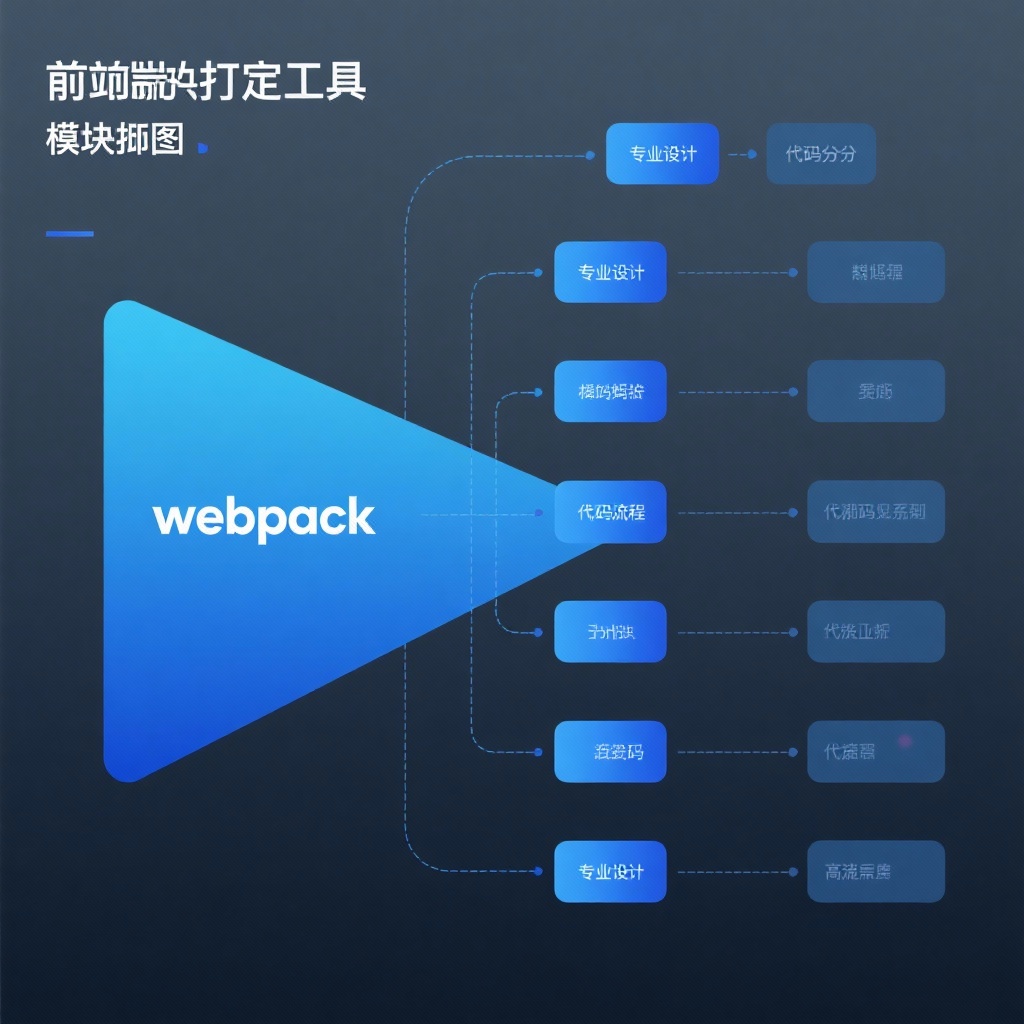
Webpack in 2025: The Complete Guide to Modern JavaScript Bundling
In the ever-evolving landscape of web development, webpack has solidified its position as the most powerful and widely-used module bundler for JavaScript applications. With over 65,500 GitHub stars and continuous updates since its creation in 2012, webpack remains the backbone of modern frontend development workflows in 2025. This comprehensive guide will explore how webpack revolutionizes JavaScript bundling, from basic setup to advanced optimization techniques, and why it continues to dominate the bundling ecosystem.
What is Webpack and Why Does It Matter?
At its core, webpack is a static module bundler for modern JavaScript applications. When processing your application, webpack builds an internal dependency graph mapping every module your project needs and generates one or more bundles. This fundamental capability addresses the critical challenge of managing complex codebases with numerous dependencies—an issue that has only grown more important as web applications have become increasingly sophisticated.
Webpack's Key Statistics (2025):
• 65,532+ GitHub stars
• 9,099+ forks
• 100,000+ weekly npm downloads
• Active development with monthly updates
• Supports all major JavaScript frameworks
What truly sets webpack apart from other bundlers is its flexibility and extensibility. Unlike simpler tools that offer "zero-configuration" but limited customization, webpack strikes the perfect balance between out-of-the-box functionality and advanced configuration options. Whether you're building a small static website or a large-scale enterprise application, webpack adapts to your project's needs through its powerful loader and plugin ecosystem.
Core Features of Webpack in 2025
Module Bundling: The Foundation
Webpack's primary function is to bundle JavaScript modules, but its capabilities extend far beyond that. It natively supports ES6 modules, CommonJS, and AMD formats, allowing you to seamlessly integrate libraries and code written in different module systems. This compatibility makes webpack an ideal choice for modern development, where code reuse and modular architecture are paramount.
The Power of Loaders
One of webpack's most powerful features is its loader system, which enables you to process files of all types and convert them into valid modules that can be included in your dependency graph. In 2025, the loader ecosystem has grown exponentially, with specialized loaders for virtually every file type:
- Transpilation:
babel-loaderfor ES6+ to ES5 conversion,ts-loaderfor TypeScript - Styles:
css-loader,sass-loader,less-loaderfor styling languages - Assets:
file-loader,url-loaderfor images, fonts, and other static assets - Templates:
pug-loader,handlebars-loaderfor template languages - Frameworks:
vue-loader,svelte-loaderfor framework-specific components
For example, configuring webpack to process CSS files is straightforward with the appropriate loaders:
javascript
module.exports = {
  module: {
    rules: [
      {
        test: /\.css$/i,
        use: ['style-loader', 'css-loader'],
      },
    ],
  },
};
Code Splitting: Optimizing Load Times
Code splitting remains one of webpack's most valuable features for performance optimization. This technique allows you to split your code into separate bundles that can be loaded on demand, significantly reducing initial load times. Webpack offers three main approaches to code splitting:
- Entry Points: Manually split code using entry configuration
- Dynamic Imports: Split code via inline function calls using the
import()syntax - SplitChunksPlugin: Automatically split vendor and common code
In practice, dynamic imports have become the preferred method for code splitting in modern applications:
javascript
// Dynamically import a module
button.addEventListener('click', () => {
  import('./modal.js').then((module) => {
    module.openModal();
  });
});
Advanced Optimization Capabilities
Webpack's optimization features have continued to evolve, making it easier than ever to produce production-ready bundles with minimal configuration. The mode: 'production' setting enables a suite of optimizations automatically:
- Minification: JavaScript minification with TerserPlugin
- Tree Shaking: Elimination of unused code
- Scope Hoisting: Reduces bundle size by merging module scopes
- Caching: Content hashing for optimal browser caching
- Compression: Built-in support for Gzip and Brotli compression
Getting Started with Webpack: A 2025 Setup Guide
Installation and Basic Configuration
Getting started with webpack is straightforward. First, initialize your project and install webpack:
bash
npm init -y
npm install --save-dev webpack webpack-cli
Create a basic webpack.config.js file:
javascript
const path = require('path');

module.exports = {
  entry: './src/index.js',
  output: {
    filename: 'bundle.js',
    path: path.resolve(__dirname, 'dist'),
  },
  mode: 'development',
};
Add a build script to your package.json:
json
"scripts": {
  "build": "webpack"
}
Run the build command:
bash
npm run buildSetting Up a Development Environment
For a smooth development experience, configure webpack-dev-server:
bash
npm install --save-dev webpack-dev-serverUpdate your configuration:
javascript
module.exports = {
  // ...other config
  devServer: {
    static: './dist',
    hot: true,
    open: true,
  },
};
Add a development script:
json
"scripts": {
  "build": "webpack",
  "dev": "webpack serve"
}
Now you can run npm run dev to start a development server with live reloading.
Configuring for Production
For production builds, create a separate configuration file or use environment variables to optimize your bundle:
javascript
module.exports = {
  mode: 'production',
  output: {
    filename: '[name].[contenthash].js',
    path: path.resolve(__dirname, 'dist'),
    clean: true,
  },
  optimization: {
    splitChunks: {
      chunks: 'all',
    },
    runtimeChunk: 'single',
  },
  // ...other production-specific settings
};
The [contenthash] placeholder ensures filenames change only when content changes, enabling effective caching strategies.
Advanced Webpack Techniques
Performance Optimization Strategies
In 2025, webpack offers even more sophisticated optimization techniques:
- Module Federation: Share code between applications at runtime
- Persistent Caching: Speed up build times with filesystem caching
- Build Analysis: Use
webpack-bundle-analyzerto visualize and optimize bundle size - Cache Busting: Implement effective cache strategies with content hashing
- Lazy Loading: Defer loading non-critical resources until needed
Working with Plugins
Webpack's plugin system extends its functionality even further. Some essential plugins for modern development include:
- HtmlWebpackPlugin: Generates HTML files to serve your bundles
- MiniCssExtractPlugin: Extracts CSS into separate files
- CompressionPlugin: Prepares compressed versions of assets
- DefinePlugin: Allows you to create global constants at compile time
- ProgressPlugin: Provides progress feedback during compilation
Installing and configuring a plugin is simple:
bash
npm install --save-dev html-webpack-plugin
javascript
const HtmlWebpackPlugin = require('html-webpack-plugin');

module.exports = {
  plugins: [
    new HtmlWebpackPlugin({
      title: 'My App',
      template: './src/index.html',
      minify: {
        collapseWhitespace: true,
        removeComments: true,
        removeRedundantAttributes: true,
      },
    }),
  ],
};
Webpack in 2025: When to Use It
Ideal Use Cases
Webpack excels in scenarios where:
- Complex Applications: Building large-scale applications with many dependencies
- Performance Optimization: When fine-grained control over bundle size is needed
- Specialized Workflows: Projects requiring custom processing of various file types
- Framework Integration: Working with React, Vue, Angular, or other modern frameworks
- Progressive Web Apps: Building PWAs with service workers and caching strategies
When to Consider Alternatives
While webpack is incredibly powerful, it might be overkill for:
- Simple Static Sites: Small projects with minimal JavaScript
- Rapid Prototyping: When development speed is prioritized over optimization
- Server-Side Rendering Only: Projects without complex client-side requirements
For these cases, simpler tools like Vite, Parcel, or esbuild might offer a better developer experience with less configuration overhead.
Conclusion: Webpack's Place in Modern Development
As we've explored in this guide, webpack remains an essential tool for modern JavaScript development in 2025. Its ability to bundle modules, process various file types through loaders, split code for performance optimization, and extend functionality via plugins makes it incredibly versatile.
Whether you're a beginner just starting with webpack setup or an experienced developer implementing advanced webpack optimization techniques, the tool's flexibility adapts to your skill level and project requirements. The extensive documentation, active community, and regular updates ensure that webpack will continue to evolve alongside the ever-changing landscape of web development.
If you haven't already incorporated webpack into your development workflow, now is the perfect time to start. With its robust feature set and proven track record, webpack remains the gold standard for JavaScript bundling in 2025 and beyond.
To get started with webpack today, visit the official GitHub repository: https://github.com/webpack/webpack