Vue & fabric.js: Customizable Image Editor
vue-fabric-editor: A lightweight, pluggable image editor based on Vue 3 and fabric.js, focused on small-medium projects' image editing needs. Avoids professional tools' bloat/time-consuming development. Core features: layer management, PSD/JSON import, PNG/SVG/JSON export, text addition; delivers essential capabilities for 80% of daily development scenarios.
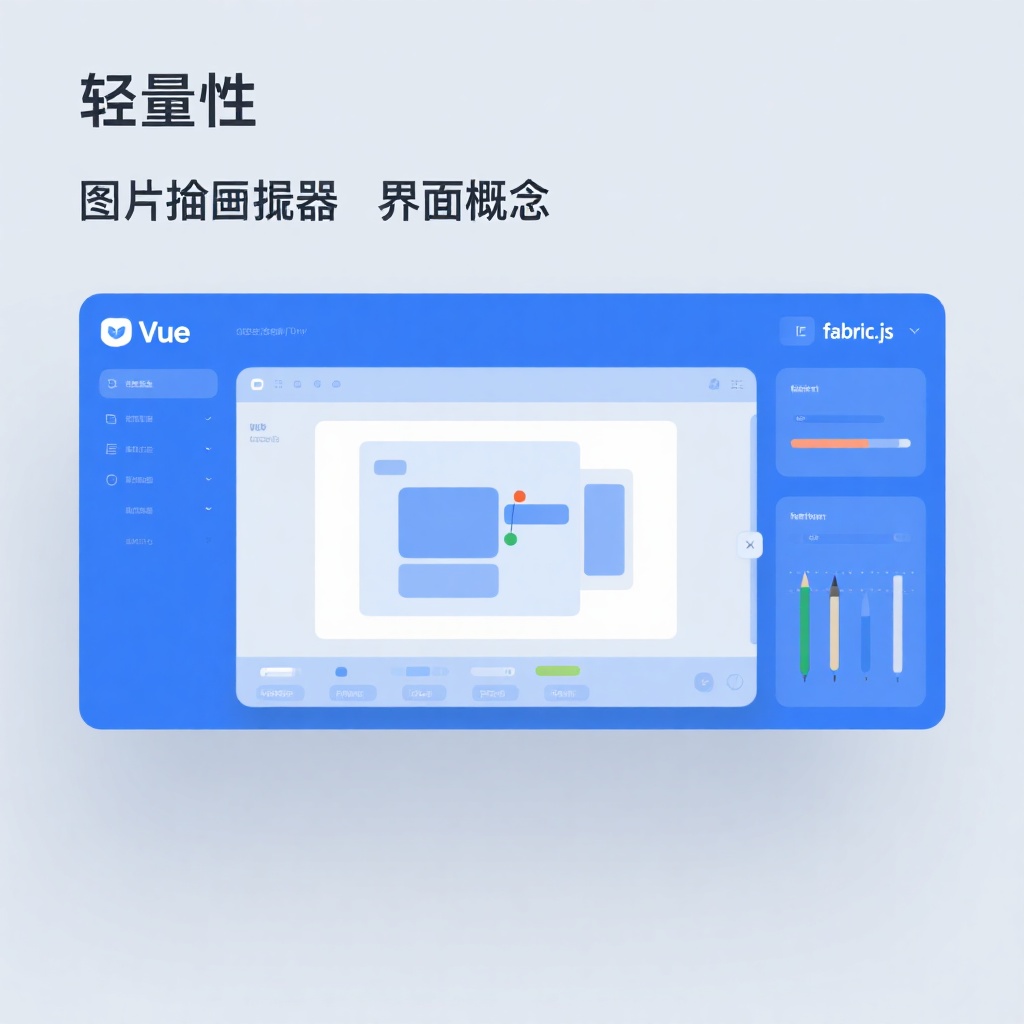
Recommended: A Lightweight Image Editor for Vue Ecosystem - vue-fabric-editor
When developing projects that require image editing functionality, have you ever faced this dilemma: either using heavy professional tools (like online Photoshop alternatives) that cause slow loading, or spending excessive time developing basic editing features from scratch? The recently discovered vue-fabric-editor might solve this pain point - it's an open-source image editor based on Vue and fabric.js, positioned as lightweight and pluggable, focusing on solving image editing needs for small to medium projects.
Core Positioning: Lightweight but Sufficient
vue-fabric-editor has a clear design philosophy: not trying to be an online Photoshop, but providing the 20% core features needed for 80% of daily development scenarios. Built on Vue 3 and fabric.js (a mature Canvas graphics library), it retains Vue's component-based development experience while leveraging fabric.js to handle complex graphics operation logic.
In terms of feature coverage, it already includes basic capabilities needed for most projects:
- Layer Management: Supports multi-element stacking, layer adjustment, show/hide functionality, similar to layer operations in design software
- Format Compatibility: Import PSD (with layer parsing), JSON files, and export to PNG, SVG, JSON formats
- Design Tools: Text addition (with custom font support), shape drawing, image cropping, filter adjustment, guideline alignment
- Operation Optimization: Undo/redo, right-click menu, shortcut key support, reducing user operation costs
Particularly worth mentioning is its plugin-based architecture. The project splits features into independent plugins (such as right-click menu plugin, shortcut key plugin, PSD parsing plugin), allowing developers to import only what they need, avoiding excessive bundle size. This design enables it to be used both as a complete editor and split into individual functional components integrated into existing projects.
Technical Implementation Highlights
As a developer, I pay more attention to its technical implementation details. From the project documentation and source code, there are several designs worth learning from:
1. Secondary Encapsulation Based on fabric.js
While fabric.js is already a mature library in the Canvas domain, using it directly still requires handling many details (like element selection states, coordinate calculations, event binding). vue-fabric-editor encapsulates Vue components on top of it, abstracting Canvas operations into APIs more familiar to Vue developers. For example, binding canvas elements via v-model and configuring editor properties through Props significantly reduces the barrier to use.
2. Plugin System Design
The project has designed a plugin registration mechanism where each functional module (like history records, shortcut keys) exists as a plugin. Plugins can register new commands, extend right-click menus, and add shortcut keys. This loosely coupled architecture simplifies feature extension. If you need to add specific business functions (like custom watermarks), you just need to develop a plugin according to specifications without modifying core code.
3. PSD Parsing Capability
PSD file parsing is technically challenging, involving processing complex data like layers, styles, and text. vue-fabric-editor integrates PSD parsing functionality, converting multi-layer PSD files into editable canvas elements, which is very useful for projects needing to interface with designer outputs. In actual testing, it can basically restore the layer structure and basic styles of PSD files. Although complex effects (like blend modes) may have deviations, it's sufficient for small to medium projects.
Comparison with Similar Tools
There are不少 image editors on the market, so what is vue-fabric-editor's differentiating advantage?
| Tool | Advantages | Disadvantages | Suitable Scenarios |
|---|---|---|---|
| vue-fabric-editor | Good Vue ecosystem integration, flexible plugin system, lightweight | Limited feature depth | Quick integration in Vue projects, basic editing needs |
| tui-image-editor | Comprehensive features, good React support | Large bundle size (~2MB), complex customization | Full-featured editor needs, React projects |
| Pintura | Professional-grade features, exquisite UI | High commercial licensing fees | Enterprise-level professional editing scenarios |
| Custom-developed editor | Fully customizable | High development and maintenance costs | Special business logic, no existing solutions |
Simply put, if you're using the Vue tech stack and need an "adequate" editor that can be quickly integrated, vue-fabric-editor offers great value. It balances functionality, size, and development efficiency, avoiding the embarrassment of "using a sledgehammer to crack a nut" or "reinventing the wheel".
Practical Usage Experience
I tried integrating this editor into an e-commerce project for simple secondary editing of product detail images (adding promotional tags, adjusting text). Here's the overall experience:
Advantages:
- Fast integration speed - after npm installation, basic editor can be introduced with just a few lines of code
- Convenient custom material library - just configure the material interface to load project-specific materials
- Good responsive adaptation - operates smoothly on tablet devices
Points to Note:
- Strict environment dependencies - must use pnpm 8.4.0, higher versions cause dependency conflicts (clearly stated in documentation but easy to encounter when first setting up)
- Average performance with complex operations - noticeable lag when dragging canvas with 50+ elements
- While documentation exists, there are few cases for deep customization, requiring understanding of plugin mechanism through source code
Who Is It For?
In summary, vue-fabric-editor is suitable for the following scenarios:
- Small to medium Vue projects: Need to quickly integrate image editing functionality with limited budget and development resources
- Non-professional design scenarios: Such as自媒体封面制作, simple adjustments to e-commerce product images, internal corporate poster tools
- Moderate customization needs: Require custom materials and templates, but not professional-level color grading, 3D effects, or other complex features
- Learning Canvas development: The project has clear code structure and technical解析 articles in documentation, suitable for developers wanting to understand editor implementation
If you need professional-grade design tools or work with non-Vue tech stacks, you may need to consider other solutions. But for most Vue projects needing basic image editing functionality, it's worth trying.
Final Thoughts
As an open-source project, vue-fabric-editor has achieved a high level of completeness, with 7k+ stars and 20+ contributors demonstrating its community recognition. The author also provides commercial versions and technical support, making it friendly for teams with enterprise-level needs.
Of course, it's not perfect - its lightweight positioning means limited feature depth, and some advanced needs (like batch processing, AI-assisted design) still require extensions. But for solving the core problem of "quickly integrating basic image editing", it has done a great job.
If you're developing a Vue project needing image editing functionality, take half an hour to try its online demo - it might save you weeks of development time. For students wanting to learn Canvas editor development, the project's plugin-based architecture and fabric.js application also provide great reference value.