How to Debug Locally with Direct K8s Cluster Access Using mirrord
Say goodbye to repetitive K8s deployments. This practical guide shows you how to use mirrord to transparently connect your local process to a Kubernetes cluster, enabling direct access to cluster networks, DNS, environment variables, and services. Learn installation, IDE integration, and real-world debugging workflows to drastically boost your backend development efficiency.
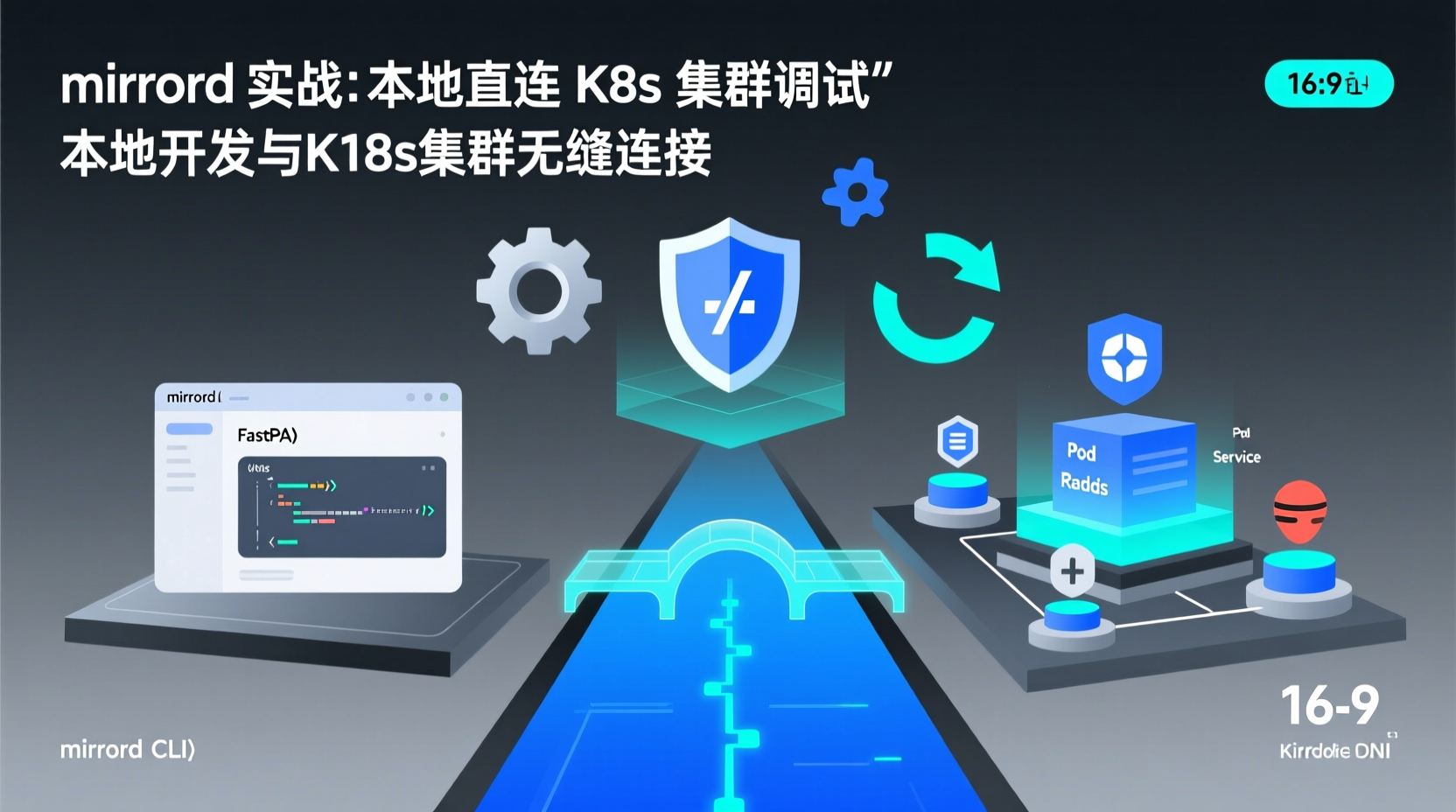
How to Debug Locally with Direct K8s Cluster Access Using mirrord
As a backend developer, you've likely experienced the frustration of the standard Kubernetes debugging loop: change a single line of code → docker build → docker push → kubectl apply → wait for the Pod to spin up → check logs → repeat. This cycle can easily consume an entire day. To make matters worse, your local environment rarely replicates the exact database endpoints, internal DNS, or complex environment variables found in the cluster.
Today, I'll walk you through a tool that completely transforms this workflow: mirrord. It allows your local process to "teleport" into your Kubernetes cluster, seamlessly reusing the cluster's network, environment variables, DNS resolution, and traffic routing. By the end of this guide, you will learn how to:
- Install the mirrord CLI and IDE plugin in one click
- Configure permission-less and operator-based cluster connections
- Launch your application locally while transparently accessing cluster dependencies
- Quickly integrate mirrord into Node.js, Python, or Java projects
Prerequisites
kubectlinstalled locally and configured with the target cluster context- Target cluster version ≥ 1.21 (supports ephemeral containers)
- Familiarity with core Kubernetes concepts (Pods, Services, environment variables)
- A test application with external dependencies (e.g., database/cache) is recommended
Quick Start: Bring Your Local Process "Into" K8s
Step 1: Install the mirrord CLI
Written in Rust, mirrord provides a cross-platform CLI. macOS/Linux users can install it directly via script:
bash
## One-click installation of the latest version (recommended)
curl -fsSL https://raw.githubusercontent.com/metalbear-co/mirrord/main/install.sh | bash

## Verify installation
mirrord --version
Why do this? The CLI handles communication with the K8s API Server, injects the network interception layer, and manages the traffic bridge between your local process and the cluster Pod.
Step 2: Configure the IDE Plugin (Optional but Highly Recommended)
If you use VS Code or JetBrains IDEs, installing the official plugin allows you to start debugging with a single click. Taking VS Code as an example:
- Search for
mirrordin the Extensions Marketplace and install it. - Add cluster authentication to your
settings.json:json{ "mirrord.kube.context": "your-cluster-name", "mirrord.operator": true // Use operator mode (recommended) }
Why use operator mode? The traditional mode requires deploying a Sidecar in the cluster. Operator mode uses a Custom Resource for automatic management, resulting in less cluster intrusion and finer-grained permission control.
Practical Example: Locally Debugging a Web Service with Redis Cache
Let's assume we've built a Python FastAPI endpoint that relies on Redis running inside the cluster. Instead of containerizing and deploying the service to K8s, we can run it locally with mirrord:
bash
## 1. Clone a demo project
git clone https://github.com/your-org/fastapi-redis-demo && cd fastapi-redis-demo

## 2. Launch the local service and "mirror" it to the namespace where the target Pod resides
mirrord exec -n staging -- python main.py
At this point, in the FastAPI logs, REDIS_URL will automatically resolve to the in-cluster Service address. All traffic destined for Redis will be transparently proxied to the actual Redis instance in the staging namespace.
Verify it's working:
bash
## Test with curl from outside the cluster (or locally)
curl http://localhost:8000/api/check-cache
You'll see the response is identical to running in K8s, but the code is actually executing in your local process.
Common Pitfalls & Pro Tips
- Permission Denied Errors: In non-operator mode, ensure your current
kubeconfighaspods/execpermissions. It's highly recommended to ask your cluster admin to deploy the mirrord-operator. - DNS Resolution Fails: If your application hardcodes internal cluster domain names, you must explicitly declare the
dnsinterception configuration inmirrord.json. - Traffic Interception Conflicts: Running Docker Desktop or other network proxies locally simultaneously may cause routing conflicts. Disabling virtual NIC bridging usually resolves this.
- Avoid Production Environments: mirrord modifies the Pod network stack. It is strictly recommended for
dev/stagingenvironments. For production, stick to standard CI/CD workflows.
Conclusion
With mirrord, we achieve a hybrid debugging model: "code locally, run in cluster environment." You no longer need to wait for Pod scheduling to test a single line of code, nor do you need to spin up a complete local dependency mirror.
Next Steps:
- Integrate mirrord into your CI pipeline for PR-level environment previews.
- Dive into the network interception architecture to understand how eBPF safely intercepts traffic.
- Combine it with Telepresence or Skaffold to build a complete local development loop.
Tools are valuable when they solve real pain points. If you're also struggling with K8s debugging efficiency, spend 10 minutes installing mirrord. You might just save yourself two hours of overtime today. Feel free to share your experiences or questions in the comments—I share practical tips to boost developer experience weekly.