Dark Reader Browser Extension: Reduce Eyestrain with Custom Dark Mode
Discover the darkreader browser extension, the top open-source dark mode extension engineered to reduce eyestrain during extended browsing sessions. This customizable tool transforms web pages with intelligent dark themes, supporting Chrome, Firefox, and more. Enjoy personalized eye protection—download now for a comfortable, strain-free web experience.
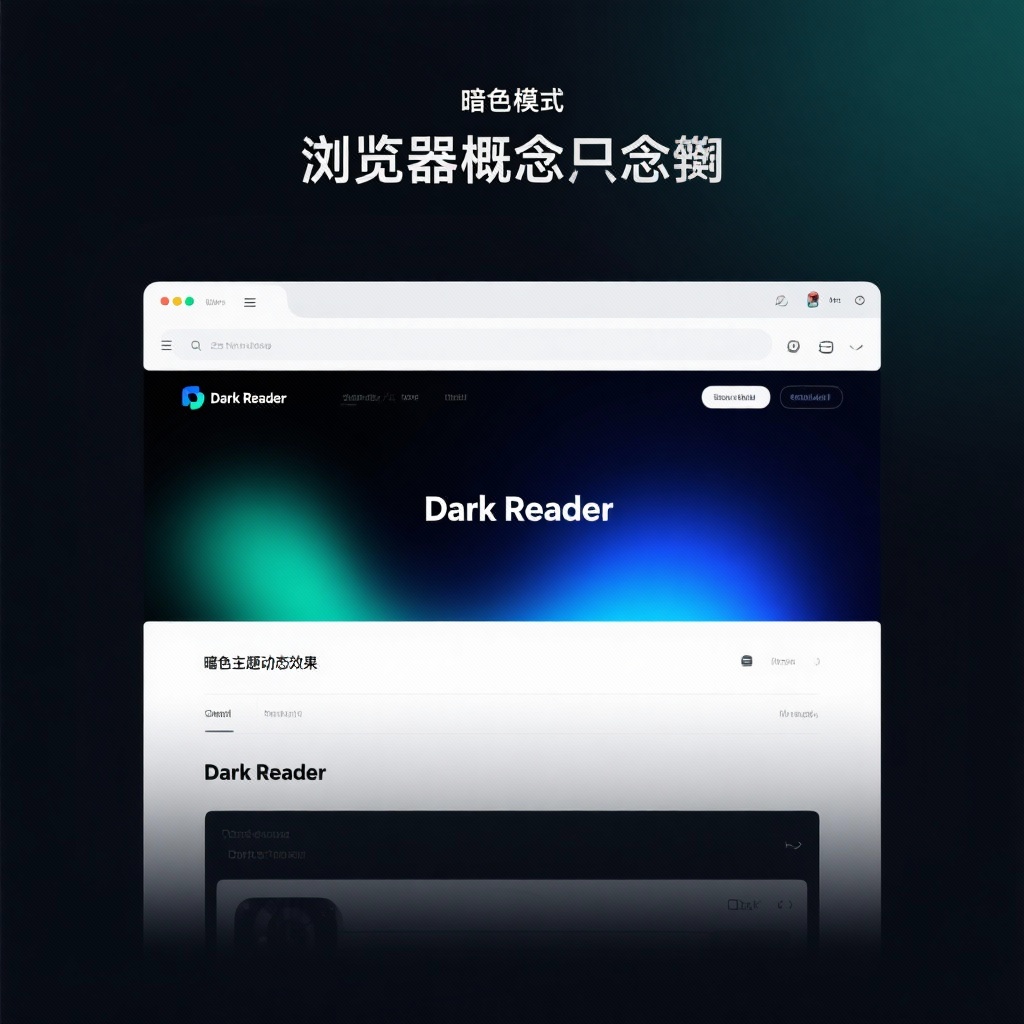
DarkReader Browser Extension: The Ultimate Open Source Solution for Eye Protection and Custom Dark Themes
In today's digital age, where most of our waking hours are spent staring at screens, eye protection has become a critical concern for millions of users worldwide. The darkreader browser extension emerges as a powerful solution, transforming the way we experience the web by reducing eye strain through intelligent dark mode implementation. As the most popular dark mode extension with over 21,000 stars on GitHub, Dark Reader has established itself as the go-to tool for users seeking a more comfortable browsing experience without sacrificing website functionality or aesthetics.
What is Dark Reader and Why Does It Matter?
Dark Reader is an open source dark mode browser extension built with TypeScript that analyzes web pages in real-time to generate customized dark themes. Unlike basic dark mode features built into some browsers, this reduce eyestrain browser tool doesn't just invert colors blindly—it intelligently processes each page's content to maintain readability while significantly reducing blue light emission.
Since its initial release in 2014, Dark Reader has evolved from a simple color inverter to a sophisticated dark theme extension with advanced customization options. Its MIT-licensed codebase and active development community ensure regular updates and improvements, making it a reliable choice for anyone looking to implement web page dark mode across their browsing experience.
Key Features That Set Dark Reader Apart
What makes Dark Reader stand out among the numerous browser dark theme extensions available today? Let's explore its most compelling features:
Intelligent Page Analysis and Conversion
At its core, Dark Reader doesn't just apply a generic filter to web pages. It actively analyzes each site's structure, distinguishing between text, images, backgrounds, and interactive elements to create a cohesive dark theme that preserves usability. This intelligent processing ensures that images remain vibrant while text becomes crisp and easy to read against darker backgrounds.
Unparalleled Customization Options
One of Dark Reader's greatest strengths is its extensive customization capabilities. Users can adjust:
- Brightness levels (from 0 to 100%)
- Contrast settings (from 0 to 100%)
- Sepia tone intensity (from 0 to 100%)
- Color temperature
- Font settings
- And much more
These options make Dark Reader the ideal customize dark mode solution for users with specific visual preferences or sensitivity requirements.
Cross-Browser Compatibility
Unlike many specialized extensions, Dark Reader offers seamless performance across all major browsers:
- Darkreader Chrome extension (with over 10 million users)
- Darkreader Firefox extension
- Safari support
- Microsoft Edge compatibility
- Even Thunderbird email client integration
This broad compatibility ensures consistent dark mode experience regardless of your browser choice.
Whitelist and Blacklist Functionality
For users who prefer certain sites in their original light mode or need specific websites to always use Dark Reader, the extension offers intuitive whitelist and blacklist features. This granular control allows for a personalized browsing experience tailored to individual preferences.
Technical Deep Dive: DarkReader's TypeScript Architecture
Built primarily with TypeScript, Dark Reader represents a sophisticated approach to browser extension development. The project's architecture demonstrates several technical strengths:
Modular Design
Dark Reader's codebase is organized into logical modules that handle different aspects of the extension's functionality, from page analysis to theme generation. This modular approach enhances maintainability and makes the codebase more accessible to contributors.
Efficient Page Processing
The extension employs efficient DOM traversal and CSS manipulation techniques to apply dark themes without significant performance impact. Even on complex websites, Dark Reader maintains responsive browsing while transforming the visual experience.
Build Process Flexibility
Dark Reader offers flexible build options using either Node.js or Deno, with the build script generating optimized packages for different browsers. This flexibility demonstrates the project's commitment to accessibility for developers and contributors.
For developers interested in integrating dark mode into their own projects, Dark Reader provides a powerful API:
javascript
// Basic Dark Reader API usage
DarkReader.enable({
    brightness: 100,
    contrast: 90,
    sepia: 10
});

// For ES6 module users
import { enable as enableDarkMode } from 'darkreader';
enableDarkMode({
    brightness: 100,
    contrast: 90,
    sepia: 10,
});
This API allows website owners to implement Dark Reader's powerful dark mode capabilities directly into their applications, providing consistent eye protection for their users.
Practical Usage Scenarios: When to Use Dark Reader
Dark Reader shines in numerous real-world situations:
Nighttime Browsing
Using Dark Reader after sunset helps maintain your natural circadian rhythm by reducing blue light exposure that can interfere with sleep patterns. Unlike device-level blue light filters, Dark Reader specifically targets web content while preserving color accuracy where it matters most.
Extended Reading Sessions
For students, researchers, or anyone spending hours reading articles online, Dark Reader's customizable dark theme significantly reduces eye fatigue. The ability to adjust contrast and brightness ensures optimal readability for long sessions.
Low-Light Environments
In dimly lit spaces like bedrooms or evening flights, Dark Reader eliminates the harsh glare of white backgrounds, creating a more comfortable viewing experience that's easier on both eyes and sleeping partners.
Eye Condition Support
For users with conditions like photophobia or sensitivity to bright light, Dark Reader provides essential accessibility support that makes web content more accessible and less uncomfortable to navigate.
Comparing Dark Reader to Alternative Solutions
While browser-level dark modes and other extensions exist, Dark Reader offers several distinct advantages:
Superior Customization
Compared to built-in browser dark modes, Dark Reader provides far more granular control over the visual experience, allowing users to fine-tune settings to their exact preferences.
Site-Specific Optimization
Unlike generic dark mode extensions, Dark Reader includes site-specific fixes that address unique challenges presented by different websites, ensuring consistent quality across the web.
Open Source Advantage
As an open source dark mode solution, Dark Reader benefits from community contributions that continuously improve its performance and compatibility. The transparent development process also ensures users can verify the extension's privacy and security.
Getting Started with Dark Reader
Getting started with Dark Reader takes just a few simple steps:
- Install the appropriate version for your browser from the official website or respective extension store
- Click the Dark Reader icon in your browser toolbar to open the control panel
- Use the main toggle to enable or disable dark mode
- Adjust brightness, contrast, and sepia settings to your preference
- Explore the settings menu for advanced options like site-specific configurations
For most users, the default settings provide an excellent starting point, but the real power of Dark Reader comes from customizing it to your personal needs.
Conclusion: Why Dark Reader Leads the Dark Mode Revolution
In the crowded landscape of browser extensions, Dark Reader stands out as the premier dark mode extension for several compelling reasons:
- Its commitment to open source development fosters transparency and continuous improvement
- The extensive customization options cater to diverse user preferences and accessibility needs
- Cross-browser compatibility ensures a consistent experience across platforms
- Regular updates and active maintenance demonstrate long-term project sustainability
- The TypeScript foundation provides a solid technical basis for performance and reliability
Whether you're a night owl, someone struggling with eye strain, or simply prefer the aesthetic of dark themes, Dark Reader delivers a polished, customizable solution that enhances your browsing experience while prioritizing eye health. With its impressive feature set, active development community, and commitment to user-centric design, Dark Reader continues to set the standard for web page dark mode implementation and eye protection in the digital age.
As we spend increasing amounts of time online, tools like Dark Reader that prioritize our visual comfort and health become essential components of our digital toolkit. Its combination of technical sophistication, user-friendly design, and commitment to open source principles make Dark Reader not just an extension, but a vital accessibility tool for the modern web.