Opcode Claude Code Toolkit: Create Custom Agents & Manage Sessions
opcode Claude Code toolkit shines as 2025's leading Claude Code GUI tool, letting developers build custom agents and manage sessions effortlessly. Blending command-line power with visual ease, this Tauri-crafted toolkit has rapidly earned 16,800+ GitHub stars since June, revolutionizing AI-assisted development workflows.
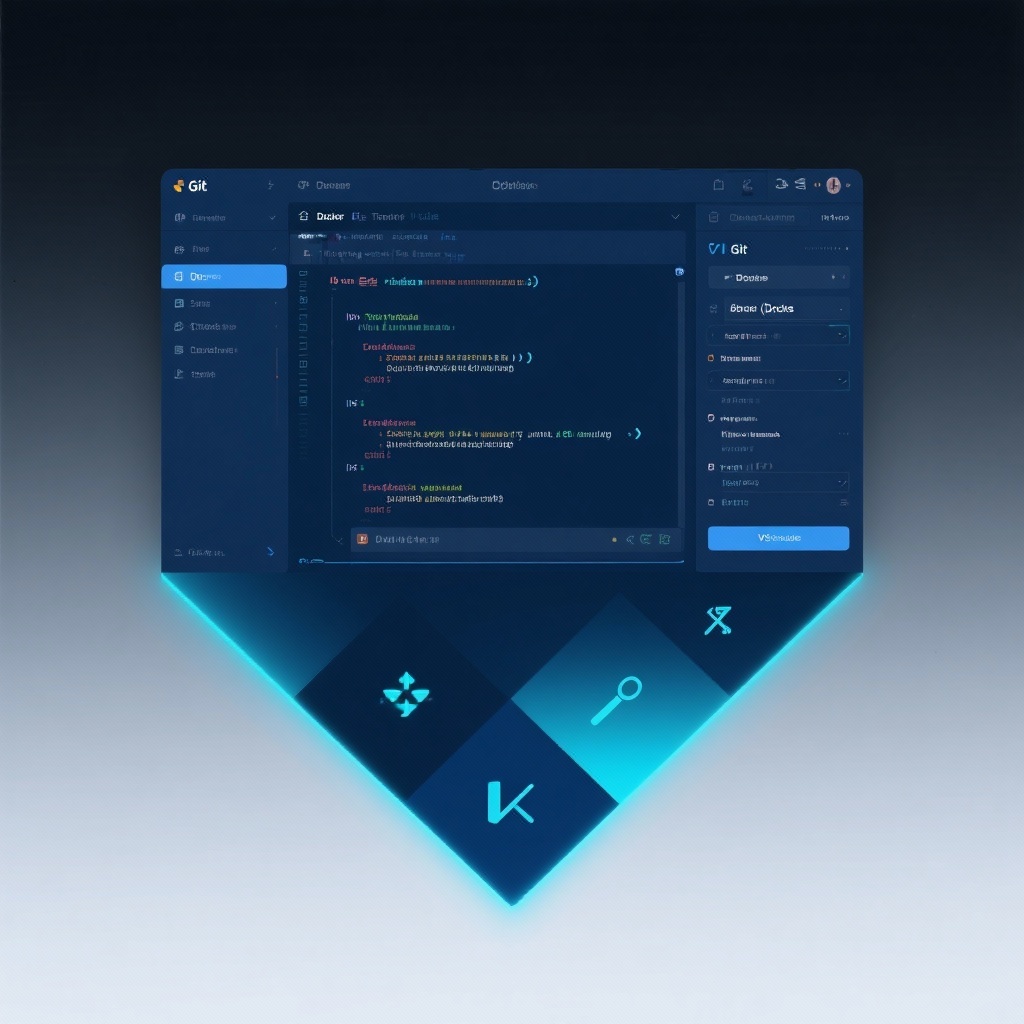
opcode: The Ultimate Claude Code GUI Toolkit for Custom AI Agents and Session Management
In the rapidly evolving landscape of AI-assisted development, opcode has emerged as a game-changing Claude Code GUI tool that bridges the gap between command-line interfaces and visual productivity. As of 2025, this powerful opcode Claude Code toolkit has already garnered over 16,800 GitHub stars since its June 2025 release, demonstrating its rapid adoption among developers. Built with Tauri 2 and TypeScript, opcode transforms how developers interact with Claude Code by providing an intuitive graphical interface for Claude Code session management, custom Claude agents, and secure background operations. Whether you're a seasoned developer or just starting with AI-assisted coding, opcode delivers a comprehensive solution that enhances productivity and streamlines your workflow.
What is opcode and Why Does It Matter?
At its core, opcode is a Tauri application designed specifically for Claude Code, Anthropic's advanced coding assistant. While Claude Code itself offers powerful AI capabilities, its command-line interface can be limiting for developers who prefer visual tools or need to manage complex projects and agents.
opcode GUI app addresses this gap by providing a unified workspace where developers can:
- Visually manage multiple Claude Code projects and sessions
- Create, store, and deploy custom Claude agents for specialized tasks
- Monitor API usage and costs through intuitive analytics
- Run background agents securely without disrupting workflow
The project's exponential growth—from initial release to 16k+ stars in just three months—speaks to the demand for such a tool in the AI development community.
Key Features of the opcode Claude Code Toolkit
Exploring the opcode GUI App Interface
The first thing developers notice about opcode is its thoughtfully designed user interface that balances functionality with simplicity. The dashboard provides at-a-glance access to all critical features:
- Project Browser: A visual navigation system for all your Claude Code projects stored in
~/.claude/projects/ - Session Manager: View, search, and resume past coding sessions with complete context preservation
- Agent Workspace: Create and configure custom AI agents with specialized prompts and behaviors
- Analytics Panel: Track token usage, costs, and model performance metrics
The interface follows modern design principles with intuitive controls, keyboard shortcuts, and responsive layouts that adapt to both light and dark modes.
Creating Custom Claude Agents
One of opcode's most powerful features is its custom Claude agents framework. Unlike generic AI assistants, opcode allows developers to create specialized agents tailored to specific tasks:
CC Agents → Create Agent → Configure → ExecuteThis simple workflow lets you:
- Define agent parameters (name, icon, description)
- Craft custom system prompts optimized for specific tasks
- Configure model settings and resource constraints
- Set permission boundaries for file system and network access
- Deploy agents as background processes or interactive tools
Whether you need a specialized agent for debugging, documentation, refactoring, or code reviews, opcode's agent system provides the flexibility to build exactly what you need.
Advanced Session Management Capabilities
For developers working on complex projects, opcode's Claude Code session management features are invaluable. The timeline and checkpoints system allows you to:
- Create session checkpoints at critical development stages
- Branch sessions to explore alternative implementations
- Compare code changes between checkpoints with built-in diff viewer
- Restore previous states without losing current work
This version control-like approach to AI-assisted coding sessions eliminates the frustration of losing context or valuable AI interactions.
Usage Analytics and Cost Management
With AI API costs becoming an increasingly important consideration, opcode's analytics dashboard provides transparency into your Claude Code usage:
- Real-time cost tracking by project, session, and agent
- Token consumption breakdown by model and task type
- Visual charts showing usage trends over time
- Export functionality for accounting and project planning
These features help developers optimize their AI usage and prevent unexpected costs, making opcode not just a productivity tool but a financial management tool as well.
opcode vs. Traditional Claude Code Workflows
To understand opcode's value proposition, let's compare it with traditional Claude Code workflows:
| Workflow Aspect | Traditional Claude Code CLI | opcode GUI Toolkit |
|---|---|---|
| Session Management | Manual tracking, text logs only | Visual timeline with checkpoints |
| Agent Creation | Complex prompt engineering | Guided interface with template library |
| Usage Monitoring | Limited, requires API log analysis | Real-time dashboard with visualizations |
| Project Organization | File system navigation | Visual project browser with search |
| Background Operations | Not supported natively | Dedicated background agent manager |
This comparison shows how opcode transforms Claude Code from a powerful but limited tool into a comprehensive development environment.
Real-World Applications: Who Should Use opcode?
opcode isn't just for developers working with Claude Code—it's for anyone who wants to maximize their productivity with AI-assisted development. Here are some scenarios where opcode shines:
Enterprise Development Teams
For teams using Claude Code across multiple projects, opcode provides centralized management of agents and sessions, ensuring consistency in AI interactions and facilitating knowledge sharing through reusable agent configurations.
Independent Developers
Solo developers benefit from opcode's cost tracking and session management features, helping them stay within budget while maintaining context across multiple projects.
Educational Institutions
Computer science programs teaching AI-assisted development can use opcode to provide students with structured environments for experimenting with AI agents while maintaining oversight of API usage.
Open Source Maintainers
Maintainers can create specialized opcode agents for common project tasks like issue triaging, pull request reviews, and documentation generation, streamlining maintenance workflows.
Getting Started with opcode: Installation and Setup
Ready to enhance your Claude Code experience with opcode? Here's how to get started:
-
Prerequisites:
- Claude Code CLI installed and configured
- Rust 1.70.0+ (for building from source)
- Bun package manager
-
Installation Options:
- Pre-built binaries: Coming soon to major platforms
- Build from source:
bash
git clone https://github.com/winfunc/opcode.git
cd opcode
bun install
bun run tauri build
-
Initial Configuration:
- Launch opcode and complete the setup wizard
- Verify Claude Code CLI integration
- Configure API key and preferences
- Explore the welcome tutorial
Within minutes, you'll be managing projects, creating agents, and tracking your Claude Code usage through opcode's intuitive interface.
Conclusion: Elevating Your Claude Code Experience
opcode represents a significant advancement in AI-assisted development tools, providing a comprehensive Claude Code GUI tool that addresses the limitations of command-line interfaces. As an AI-assisted development tool, it empowers developers to create more sophisticated AI agents, manage complex coding sessions, and maintain control over API usage and costs.
The project's rapid adoption—over 16,000 GitHub stars in just three months—validates its value proposition. Whether you're a solo developer or part of a large team, opcode's combination of custom Claude agents, visual session management, and usage analytics makes it an indispensable addition to your development toolkit.
As AI continues to play an increasingly central role in software development, tools like opcode will become essential for developers who want to harness AI's full potential while maintaining productivity, control, and cost efficiency. Try opcode today and experience the future of AI-assisted coding.