tldraw Whiteboard SDK: React Canvas Tutorial for 2025 Developers
The tldraw whiteboard SDK equips 2025 React developers to build powerful infinite canvas experiences, featuring a robust React whiteboard component with TypeScript support. As a leading solution with 41,700+ GitHub stars, it simplifies creating intuitive visual collaboration tools, merging infinite canvas flexibility with React's efficiency. Ideal for modern digital collaboration needs, this SDK streamlines development of next-gen whiteboard applications.
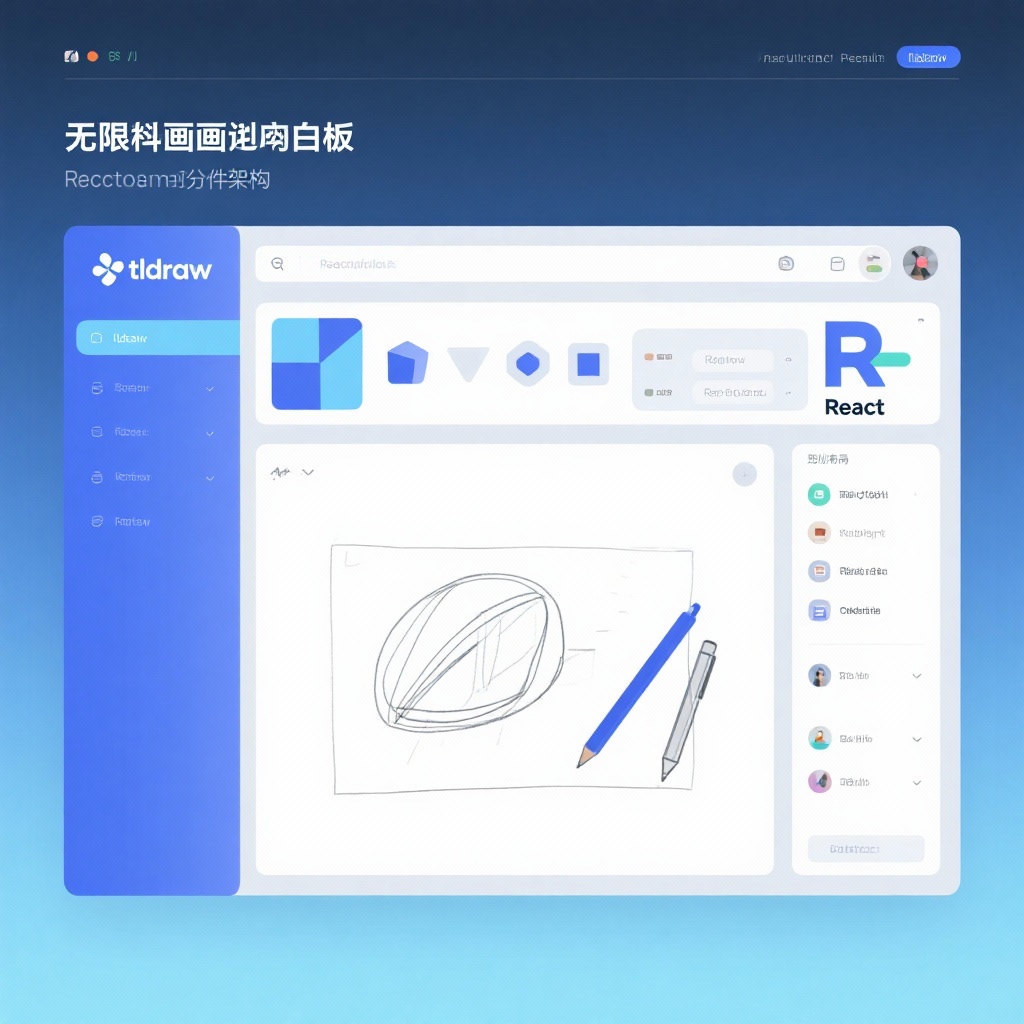
tldraw Whiteboard SDK: Building Powerful Infinite Canvas Experiences with React
In today's digital collaboration landscape, developers need robust tools to create intuitive visual experiences. The tldraw whiteboard SDK has emerged as a leading solution, offering a comprehensive React whiteboard component with TypeScript support that simplifies building infinite canvas applications. With over 41,700 stars on GitHub as of 2025, tldraw has established itself as the go-to TypeScript canvas library for developers seeking to implement feature-rich digital whiteboards in their React applications. Whether you're building a collaborative design tool, a project management system, or an educational platform, tldraw provides the foundation for creating seamless infinite canvas React experiences.
What is tldraw?
tldraw is an open-source infinite canvas SDK specifically designed for React applications. Born from the popular digital whiteboard tldraw.com, this library empowers developers to integrate professional-grade whiteboard functionality directly into their React projects. Unlike many other canvas libraries that offer limited functionality or require extensive customization, tldraw provides a complete solution with an emphasis on performance, flexibility, and developer experience.
As a React canvas component, tldraw leverages the power of React's component model while delivering smooth, responsive canvas interactions. The library's TypeScript foundation ensures type safety and better developer tooling, making it easier to build and maintain complex canvas applications. Whether you need a simple drawing surface or a full-featured whiteboard with shapes, text, images, and collaboration features, tldraw's modular architecture can adapt to your project requirements.
Key Features of tldraw Whiteboard SDK
Infinite Canvas Experience
At the core of tldraw is its infinite canvas implementation that allows users to pan, zoom, and draw without boundaries. This fundamental feature distinguishes it from traditional fixed-size canvas libraries and is essential for modern whiteboard applications where spatial freedom is crucial.
Comprehensive Toolset
tldraw comes equipped with a full suite of editing tools right out of the box:
- Selection and manipulation tools
- Drawing tools (pencil, shapes, lines, arrows)
- Text editing with various font options
- Image insertion and manipulation
- Sticky notes and media embedding
- Eraser and undo/redo functionality
React-First Architecture
As a React whiteboard component, tldraw integrates seamlessly with React's ecosystem. It uses React hooks for state management and follows React patterns, making it intuitive for developers familiar with React.
TypeScript Support
Built entirely in TypeScript, tldraw provides excellent type definitions and autocompletion, reducing development errors and improving code quality. This TypeScript canvas library ensures type safety throughout your canvas implementation.
Customizable UI
tldraw's user interface components are fully customizable, allowing you to match the whiteboard's appearance to your application's design system. From toolbars to context menus, every aspect can be tailored to your needs.
Collaboration-Ready
While basic collaboration features require additional implementation, tldraw's architecture is designed with real-time collaboration in mind. Its state management approach makes it compatible with technologies like Socket.io or Supabase for building multi-user whiteboard experiences.
Getting Started with tldraw: Installation Guide
Integrating tldraw into your React project is straightforward. Follow these steps for a basic implementation:
Prerequisites
- Node.js (v16 or later)
- React (v18 or later)
- npm or yarn package manager
Installation
The tldraw installation guide couldn't be simpler. Just run the following command in your project directory:
bash
npm install tldraw
## or
yarn add tldraw
Basic Implementation
Once installed, you can quickly add a basic whiteboard to your React application with minimal code. Here's a simple example of tldraw React implementation:
tsx
import { Tldraw } from 'tldraw'
import 'tldraw/tldraw.css'

export default function Whiteboard() {
  return (
    <div style={{ position: 'fixed', inset: 0 }}>
      <Tldraw />
    </div>
  )
}
This minimal setup provides a fully functional infinite canvas with all the standard editing tools. The component will take up the entire viewport, but you can customize the dimensions by adjusting the container styles.
tldraw Usage Tutorial: Basic Configuration
Let's explore a more advanced implementation that demonstrates some of tldraw's customization options. This example shows how to control the whiteboard's initial state and handle events:
tsx
import { Tldraw, useEditor } from 'tldraw'
import 'tldraw/tldraw.css'
import { useEffect } from 'react'

export default function CustomWhiteboard() {
  // Access the editor instance with useEditor hook
  const editor = useEditor()

  useEffect(() => {
    if (!editor) return

    // Set initial camera position
    editor.setCamera({ x: 0, y: 0, z: 1 })

    // Add a welcome text shape programmatically
    editor.createShapes([
      {
        id: 'welcome-text',
        type: 'text',
        x: -300,
        y: -200,
        props: {
          text: 'Welcome to My Custom Whiteboard!',
          fontSize: 32,
          color: '#1a1a1a'
        }
      }
    ])

    // Listen for changes to the canvas
    const unsubscribe = editor.on('change', () => {
      console.log('Canvas updated!')
    })

    return () => unsubscribe()
  }, [editor])

  return (
    <div style={{ width: '100vw', height: '100vh' }}>
      <Tldraw
        tools={{
          // Customize available tools
          select: true,
          hand: true,
          pencil: true,
          text: true,
          rectangle: true,
          ellipse: true,
          line: true,
          // Disable some tools
          eraser: false,
          stamp: false
        }}
        // Customize appearance
        theme="light"
        backgroundColor="#f8f9fa"
      />
    </div>
  )
}
This example demonstrates several key concepts:
- Using the
useEditorhook to access the editor instance - Programatically modifying the canvas state
- Customizing the available tools
- Changing the visual theme and background
- Listening for canvas events
Advantages of tldraw Over Other Canvas Libraries
Optimized for React
Unlike generic canvas libraries that require significant adaptation for React, tldraw is built specifically for React applications. Its component-based architecture and hooks API feel natural to React developers, reducing the learning curve and integration time.
Performance-Focused
tldraw employs advanced rendering optimizations to ensure smooth performance even with complex drawings and large canvases. The library intelligently manages rendering cycles and only updates the portions of the canvas that change, resulting in a responsive experience even on lower-powered devices.
Rich Feature Set
While some React canvas components offer basic drawing capabilities, tldraw provides a complete whiteboarding solution out of the box. From shape recognition to snap-to-grid functionality, tldraw includes features that would require weeks or months to implement from scratch.
Active Development Community
With nearly 42,000 GitHub stars and a dedicated team behind it, tldraw benefits from active development and community support. This ensures regular updates, bug fixes, and new features that keep pace with evolving web technologies and developer needs.
Commercial-Grade Foundation
As the engine behind the popular tldraw.com whiteboard application, this library is battle-tested in production environments. It's designed to handle the demands of professional users while remaining accessible to developers of all skill levels.
Real-World Applications of tldraw
Collaborative Design Tools
Teams can leverage tldraw to build custom design collaboration platforms where multiple users can sketch ideas, annotate designs, and provide real-time feedback.
Project Management Systems
Integrate tldraw's React whiteboard component into project management tools to create visual task boards, roadmaps, and workflow diagrams that team members can collaboratively edit.
Educational Platforms
Educators can use tldraw to build interactive teaching tools, virtual classrooms, and student collaboration spaces that facilitate visual learning and group problem-solving.
Technical Documentation
Developers can create interactive technical documentation with diagrams, flowcharts, and architecture visualizations that readers can explore and modify.
Digital Brainstorming Sessions
Businesses can implement custom brainstorming tools that capture ideas visually, allowing remote teams to collaborate effectively during ideation sessions.
Licensing Considerations
tldraw is available under a proprietary license that allows free use with a "Made with tldraw" watermark. For commercial applications that require removing the watermark or accessing advanced features, tldraw offers business licenses at various price points. This flexible licensing model makes tldraw accessible for personal projects, startups, and enterprise applications alike.
Getting Support and Contributing
tldraw benefits from an active community of developers and maintainers. The official documentation at tldraw.dev provides comprehensive guides and API references. For questions and community support, developers can join the tldraw Discord server.
The project welcomes contributions from the community, with detailed guidelines available in the GitHub repository. Whether you're reporting bugs, suggesting features, or submitting pull requests, the tldraw team encourages community involvement to help improve the library.
Conclusion: Why Choose tldraw for Your React Canvas Project
In the crowded landscape of canvas libraries, tldraw stands out as a specialized solution for building professional-grade whiteboard experiences in React. Its combination of infinite canvas capabilities, TypeScript support, and React-optimized architecture makes it the ideal choice for developers seeking to implement feature-rich whiteboards without reinventing the wheel.
Whether you're building a simple drawing tool or a complex collaborative platform, tldraw provides the foundation you need with minimal setup and configuration. Its extensive feature set, performance optimizations, and active development community ensure that your project will benefit from ongoing improvements and support.
By choosing tldraw, you're not just integrating a React whiteboard component—you're gaining access to a complete ecosystem for building the next generation of digital canvas applications. With its intuitive API, comprehensive documentation, and commitment to developer experience, tldraw lowers the barrier to creating sophisticated visual applications that delight users and drive engagement.
Ready to start building your own infinite canvas application? Follow the tldraw installation guide today and explore the possibilities of this powerful whiteboard SDK for React.