code-server: Run VS Code in Browser for Remote Coding on Any Device
code-server revolutionizes remote development by enabling VS Code in browser, letting developers run the IDE on a server and code from any device. This TypeScript project simplifies setting up a cloud VS Code environment, making remote VS Code access seamless for today’s distributed teams. Discover how to streamline your workflow with browser-based coding flexibility.
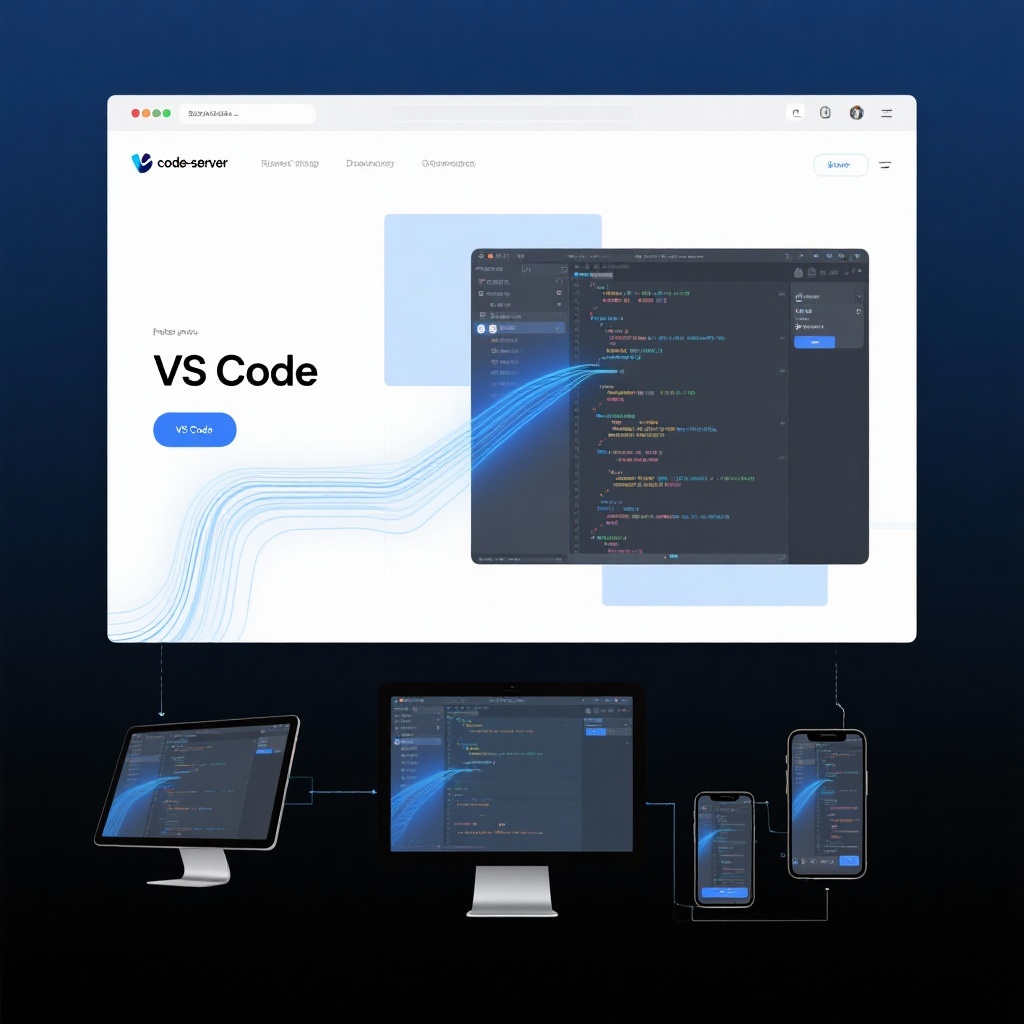
code-server: Run VS Code in Browser for Seamless Remote Development in 2025
Meta Description: Discover how code-server transforms your development workflow by enabling browser-based VS Code access. Learn about setting up this powerful TypeScript project to run VS Code on server and code from anywhere.
In today's distributed work environment, developers need flexible tools that adapt to diverse workstyles and locations. Enter code-server – an innovative TypeScript project that brings the full power of Visual Studio Code to your browser, creating a true cloud VS Code environment accessible from any device. With over 73,800 GitHub stars and continuous development since 2019, code-server has evolved into the leading solution for remote VS Code development, allowing programmers to access VS Code remotely without compromising on features or performance.
What is code-server? Understanding the Core Concept
At its essence, code-server is an open-source project that packages Visual Studio Code into a web application, enabling you to run VS Code on server infrastructure while accessing it through any modern browser. This fundamental shift in how we approach development environments addresses several critical challenges faced by today's developers.
The Technical Foundation
Built primarily with TypeScript, code-server maintains near-complete parity with the desktop version of VS Code. The project achieves this by leveraging the same core codebase as VS Code itself, modifying only the parts necessary to enable browser-based operation. This technical approach ensures that when you use code-server, you're getting the full VS Code experience with all its extensions, themes, and productivity features – just delivered through a browser interface.
The architecture consists of a server component that runs on your chosen infrastructure and a client interface that streams the VS Code experience to your browser. This separation of concerns is what makes browser-based VS Code possible, while maintaining the responsiveness developers expect from the desktop application.
Key Benefits of Using code-server in 2025
The adoption of code-server has accelerated as development teams embrace remote and hybrid work models. Let's explore the compelling advantages that make this tool indispensable for modern development workflows.
1. Consistent Development Environments Across Devices
One of the most significant pain points for developers is maintaining consistent environments across multiple devices. With code-server, you can code on any device – from your high-powered desktop to a lightweight tablet – without worrying about environment discrepancies or syncing issues.
Imagine transitioning seamlessly from your office workstation to a laptop at a conference, then continuing work from a tablet at home – all with identical tooling, extensions, and settings. This consistency eliminates the "it works on my machine" problem that plagues development teams.
2. Hardware Independence and Resource Optimization
By centralizing your development environment on a server, code-server frees you from hardware limitations. Even modest devices can run resource-intensive tasks because all computation happens on the server. This not only extends the lifespan of your devices but also provides significant battery savings when working on laptops and mobile devices.
For teams, this means you can provision powerful development servers that all team members can access, rather than equipping everyone with high-end individual workstations – a substantial cost optimization.
3. Enhanced Collaboration and Onboarding
code-server simplifies collaboration by providing standardized access to development environments. New team members can be onboarded in minutes by granting them access to a pre-configured code-server instance, eliminating hours of environment setup.
Pair programming sessions become more flexible, as team members can connect to the same environment simultaneously (with proper configuration), sharing the exact same codebase and tools regardless of their physical location.
Setting Up Your code-server Environment: A Practical Guide
Getting started with code-server is straightforward, thanks to the project's mature tooling and documentation. Let's walk through the basic code-server setup process.
Installation Options
The project offers multiple installation paths to suit different needs:
1. Automated Install Script (Recommended for most users)
The simplest method is using the official install script, which handles dependencies and configuration automatically:
bash
curl -fsSL https://code-server.dev/install.sh | shYou can preview the installation process without making changes using the dry-run option:
bash
curl -fsSL https://code-server.dev/install.sh | sh -s -- --dry-run2. Manual Installation
For more control, you can install code-server manually by downloading the appropriate release from the GitHub repository. This method is ideal for custom deployments or environments with specific security requirements.
3. Cloud Deployment
The project provides one-click deployment options for major cloud providers through the deploy-code-server repository. These templates handle server configuration, security settings, and code-server installation in a single step.
Basic Configuration
After installation, code-server can be started with:
bash
code-serverThe first launch will generate a configuration file typically located at ~/.config/code-server/config.yaml. Here you can customize settings like port, authentication, and SSL configuration.
For remote access, you'll need to configure your server's firewall to allow traffic on the chosen port and set up appropriate authentication (password or certificate-based).
Accessing Your Environment
Once running, you can access your browser-based VS Code instance by navigating to https://<your-server-ip>:<port> in any modern browser. The interface will be immediately familiar to VS Code users, with the same layout, keyboard shortcuts, and functionality.
Advanced Use Cases and Best Practices
As you become comfortable with code-server, you can explore more sophisticated configurations to enhance your development workflow.
Security Hardening
When exposing code-server to the internet, security should be a priority:
- Always use HTTPS with proper certificates (Let's Encrypt provides free options)
- Implement strong authentication (consider integrating with OAuth providers)
- Configure network access controls to restrict access to trusted IPs when possible
- Regularly update code-server to benefit from security patches
Integration with Version Control
code-server works seamlessly with Git and other version control systems. For optimal workflow:
- Configure SSH keys on your code-server instance for repository access
- Set up Git credentials caching to avoid repeated authentication
- Utilize VS Code's built-in Git tools, which work identically in the browser environment
Containerized Development
For even greater environment consistency, combine code-server with containerization:
- Run code-server within a Docker container for isolated environments
- Use Docker Compose to define multi-service development stacks
- Leverage devcontainer features for project-specific environment configurations
Why code-server Stands Out: A Comparison
While several solutions offer remote development capabilities, code-server distinguishes itself in key areas:
VS Code Parity
Unlike some alternatives that offer only subsets of VS Code functionality, code-server maintains near-complete compatibility with the desktop application. This means you can use your favorite extensions, themes, and workflows without compromise.
Self-hosting Flexibility
code-server gives you complete control over your development environment. Unlike SaaS-based solutions, you can host it on your own infrastructure, ensuring compliance with data security requirements and avoiding vendor lock-in.
Mature Ecosystem
With six years of development and a large community, code-server benefits from extensive documentation, third-party tools, and community support. The project's active maintenance ensures compatibility with the latest VS Code features and security updates.
Troubleshooting Common code-server Issues
While code-server is generally reliable, you may encounter occasional challenges:
Performance Considerations
If you experience latency:
- Ensure your server has sufficient resources (minimum 1GB RAM, 2 vCPUs recommended)
- Optimize your network connection to the server
- Consider geographic proximity when choosing server location
Extension Compatibility
Most VS Code extensions work with code-server, but a few may have browser-specific limitations. The code-server documentation provides guidance on extension compatibility and workarounds.
Persistent Storage
Configure your code-server environment with persistent storage to ensure your code and settings survive server restarts. This is particularly important when using cloud providers that may reset instance storage.
The Future of Remote Development with code-server
As we look beyond 2025, code-server continues to evolve alongside the broader development tooling ecosystem. The project's commitment to maintaining VS Code compatibility ensures it will adapt to new features and workflows in the IDE.
Emerging trends like AI-assisted development integrate seamlessly with code-server, as language models and AI tools can run on the powerful server environment while delivering their benefits through the browser interface.
For teams, the coder/coder platform extends code-server with additional management capabilities, making it easier to provision and manage development environments at scale.
Final Thoughts: Is code-server Right for You?
code-server represents a significant shift in how developers approach their tooling, offering unprecedented flexibility and consistency. It's particularly valuable if:
- You work across multiple devices
- You need to maintain consistent environments across a team
- You want to reduce hardware costs while maintaining performance
- You value the VS Code ecosystem but need remote access capabilities
The project's maturity, active development, and strong community support make it a safe investment for both individual developers and organizations. With code-server, the vision of truly device-agnostic development becomes a practical, everyday reality.
Whether you're a solo developer looking to streamline your workflow or an enterprise architect designing a team-wide development platform, code-server offers a robust foundation for the future of software development.
As remote and hybrid work models continue to dominate the industry, tools like code-server that break down the barriers between developers and their environments will only grow in importance. The ability to access VS Code remotely from any device, with all the power of a dedicated development machine, represents not just convenience but a fundamental shift in how we think about software creation.