Swagger UI: Generate Beautiful API Documentation Easily in 2025
Swagger UI simplifies creating beautiful API documentation as a leading OpenAPI documentation tool in 2025. This powerful tool transforms API specifications into interactive, functional docs, trusted by developers with 28,000+ GitHub stars and continuous updates. Perfect for both backend developers and frontend consumers needing clear API references.
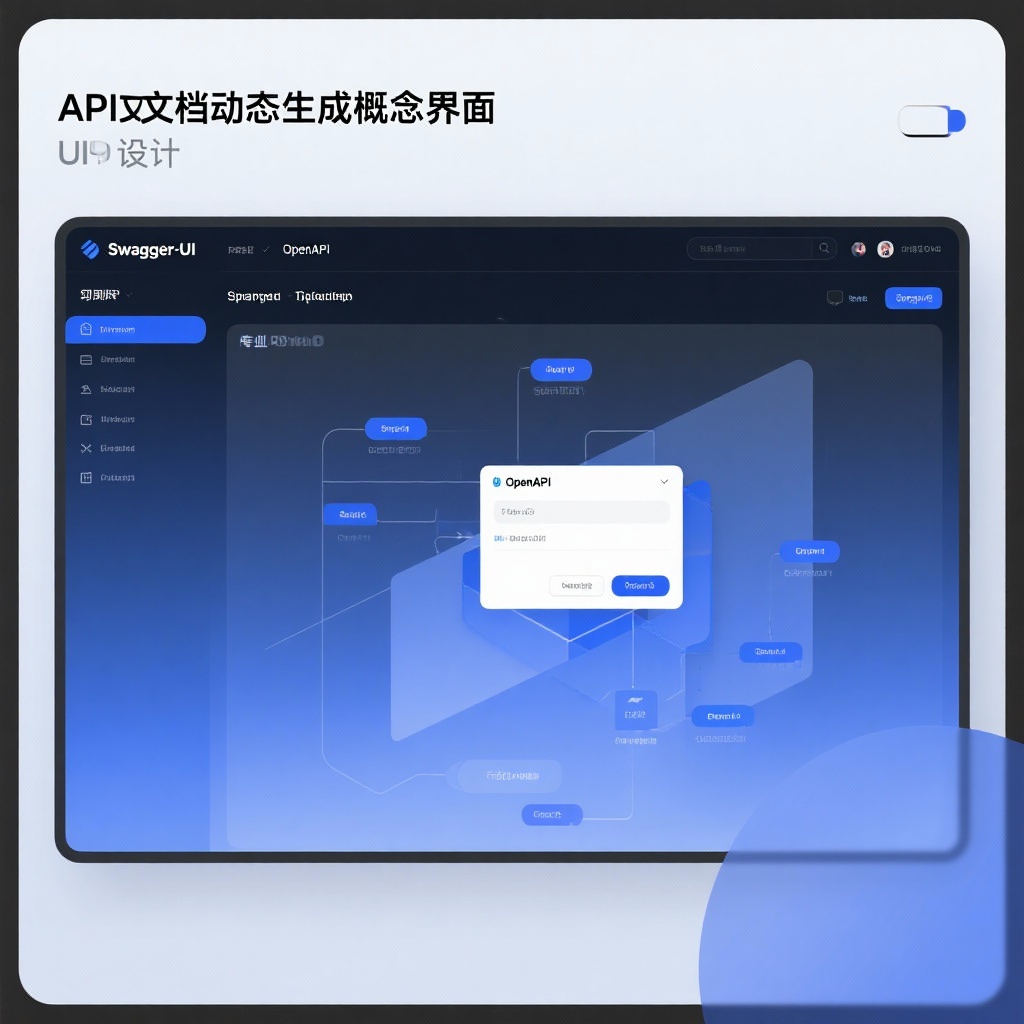
Swagger UI: The Ultimate Tool for Interactive API Documentation in 2025
In today's API-driven development landscape, having clear and interactive API documentation is crucial for both backend developers and frontend consumers. This is where Swagger UI shines as a powerful OpenAPI documentation tool that transforms your API specifications into beautiful, functional documentation. With over 28,000 stars on GitHub and continuous updates since its creation in 2011, Swagger UI has established itself as the go-to solution for API documentation needs across the development community.
What is Swagger UI and Why Does It Matter?
Swagger UI is an open-source collection of HTML, JavaScript, and CSS resources that dynamically generates interactive documentation from Swagger specification (now OpenAPI) files. Unlike static API documentation that quickly becomes outdated, Swagger UI stays in sync with your API by directly reading from your OpenAPI specification, ensuring developers always have access to the most current API information.
The beauty of Swagger UI lies in its ability to provide more than just documentation—it offers a complete API docs generator with a built-in API client that allows users to test endpoints directly from the documentation interface. This interactive approach bridges the gap between documentation and implementation, significantly reducing the learning curve for new API consumers.
Key Features of Swagger UI (2025 Update)
The latest version, Swagger UI 5.19.0 (released February 2025), brings enhanced support for OpenAPI 3.1.1 and numerous quality-of-life improvements. Let's explore the features that make this tool indispensable:
Comprehensive OpenAPI Visualization
Swagger UI provides full OpenAPI visualization capabilities, supporting all major versions of the specification from 2.0 through the latest 3.1.1. This means regardless of which OpenAPI version your project uses, you can rely on Swagger UI to render your documentation accurately.
Interactive API Testing
One of the most loved features is the ability to interact directly with API endpoints through the documentation. Developers can input parameters, set headers, and execute requests without leaving the documentation interface—eliminating the need for separate API testing tools during initial exploration.
Multiple Integration Options
Swagger UI offers flexible integration paths to suit different project requirements:
swagger-ui: The core npm package for SPAs using Webpack or similar bundlersswagger-ui-dist: A dependency-free module for server-side projectsswagger-ui-react: A React component for seamless integration into React applications
Customizable Interface
Tailor the documentation experience to your brand with Swagger UI's extensive customization options. From simple logo changes to complete layout overhauls using the Plugin API, you can create documentation that feels like an integral part of your product.
Swagger UI Setup: Getting Started in Minutes
Implementing Swagger UI in your project is straightforward, even for developers new to API documentation tools. Here's a quick Swagger UI tutorial to get you started:
Basic Installation via npm
bash
## For standard JavaScript projects
npm install swagger-ui --save

## For React applications
npm install swagger-ui-react --save
Simple HTML Implementation
For projects that prefer not to use npm, simply download the latest release and include the distribution files:
html
<!DOCTYPE html>
<html>
<head>
  <title>My API Documentation</title>
  <link rel="stylesheet" type="text/css" href="swagger-ui.css"/>
</head>
<body>
  <div id="swagger-ui"></div>
  <script src="swagger-ui-bundle.js"></script>
  <script>
    window.onload = function() {
      SwaggerUIBundle({
        url: "/openapi.json",
        dom_id: '#swagger-ui'
      })
    }
  </script>
</body>
</html>
Advanced Configuration
Swagger UI offers extensive configuration options to control everything from default expansion depth to authentication mechanisms. The official documentation provides detailed guidance on customizing your implementation.
Swagger UI vs. Traditional API Documentation Tools
What sets Swagger UI apart from other documentation solutions? Here's how it compares:
| Aspect | Swagger UI | Traditional Documentation |
|---|---|---|
| Maintenance | Automatically updated via OpenAPI spec | Requires manual updates |
| Interactivity | Full API testing capabilities | Static documentation only |
| Implementation | Multiple integration options | Typically custom solutions |
| Community | Large, active community | Limited or no community support |
| Standardization | Follows OpenAPI specification | Varies by implementation |
Real-World Use Cases for Swagger UI
Swagger UI excels in numerous scenarios across the development lifecycle:
Developer Onboarding
New team members can quickly familiarize themselves with your API by exploring the interactive documentation and testing endpoints directly.
API Consumer Documentation
Provide third-party developers with a professional, easy-to-use interface for integrating with your API.
API Testing During Development
Frontend developers can test backend endpoints without writing custom test code, speeding up the development cycle.
Documentation as Part of CI/CD
Incorporate Swagger UI into your deployment pipeline to ensure documentation is always deployed alongside API changes.
Important Considerations for Production Implementation
While Swagger UI is powerful, keep these points in mind for production deployments:
- Security: Ensure sensitive endpoints are properly secured and consider authentication for documentation access
- Performance: Use the appropriate package (
swagger-uiinstead ofswagger-ui-distfor SPAs) to minimize bundle size - Customization: Invest time in branding the documentation to create a cohesive experience
- CORS Configuration: Properly configure CORS if your API and documentation are hosted on different domains
Conclusion: Why Swagger UI Remains the Top API Documentation Generator in 2025
After more than a decade of development, Swagger UI continues to lead the way in API documentation solutions. Its ability to generate interactive, always-up-to-date documentation from OpenAPI specifications makes it an essential tool for modern API development.
Whether you're building a public API for third-party consumption or an internal API for your development team, Swagger UI provides the perfect balance of functionality, ease of use, and customization options. With its active community and regular updates (like the recent 5.19.0 release), Swagger UI remains the gold standard for JavaScript API documentation and OpenAPI visualization.
Ready to enhance your API documentation? Visit the Swagger UI GitHub repository to get started with your implementation today.