Gutenberg Block Editor: Build Custom WordPress Blocks in 2025
In 2025, the Gutenberg block editor remains WordPress Gutenberg's cornerstone, transforming content creation through custom block development. With 11k+ GitHub stars and continuous innovation, it empowers developers to build tailored blocks efficiently. Discover how to enhance your WordPress site's functionality with this essential tool.
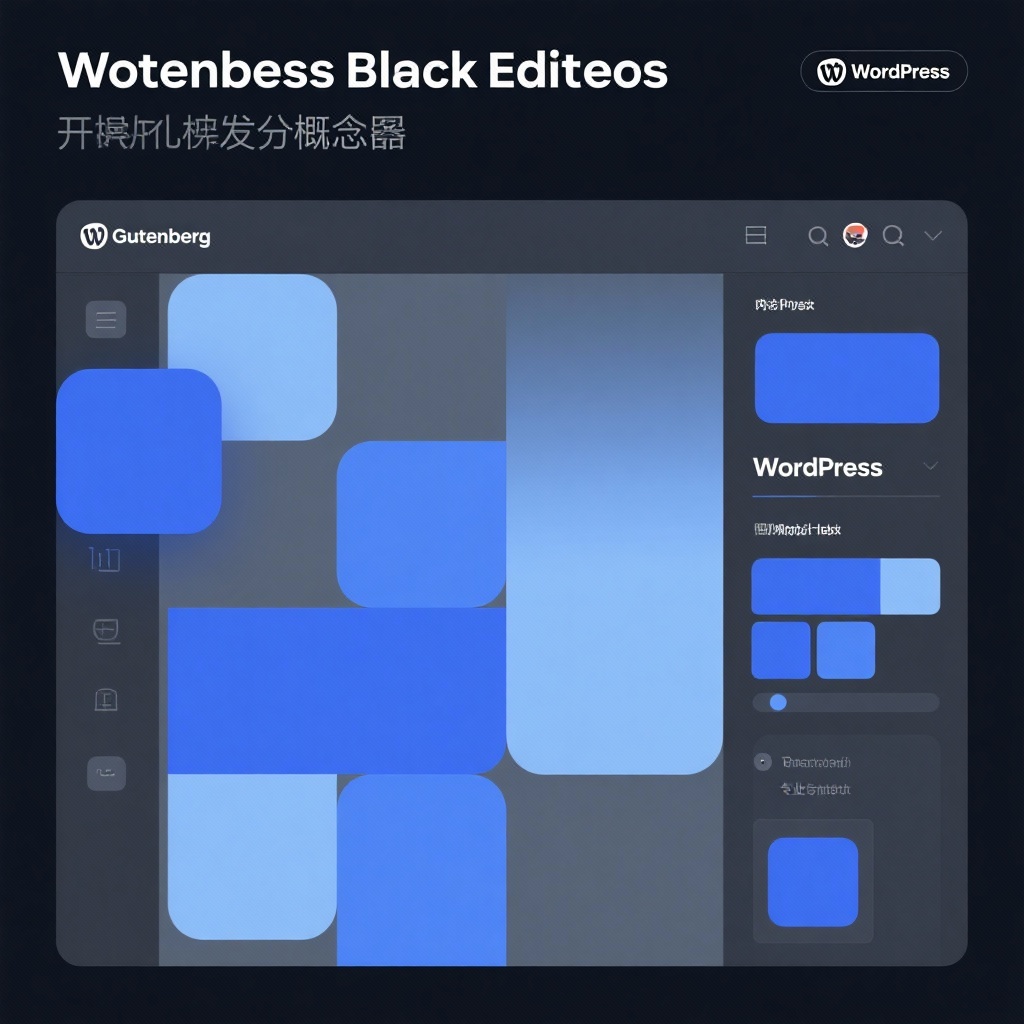
Gutenberg Block Editor: Revolutionizing WordPress Content Creation in 2025
In the ever-evolving landscape of WordPress development, the Gutenberg block editor has established itself as a cornerstone technology, fundamentally changing how users create and manage content. As of 2025, WordPress Gutenberg continues to dominate the block editor ecosystem, boasting over 11,375 GitHub stars and 4,537 forks—a testament to its robust community support and持续创新. Whether you're a blogger, developer, or enterprise user, understanding the gutenberg plugin and its capabilities is essential for modern WordPress content creation.
What Makes Gutenberg Different: The Block Editor Revolution
Before Gutenberg, WordPress relied on a classic editor that mixed content and formatting in a single field, often requiring shortcodes or custom HTML for complex layouts. The WordPress block editor introduced a paradigm shift by treating every content element as a distinct, manipulable block. From paragraphs and images to complex galleries and embeds, each piece of content becomes a modular component that can be easily rearranged, styled, and reused.
This block-based approach solves three critical pain points:
- Content-Design Separation: Authors focus on content while maintaining visual control
- Reduced Technical Barriers: Eliminates the need for custom code for basic layouts
- Consistent Branding: Reusable blocks ensure design consistency across a site
Core Advantages of Gutenberg in 2025
1. Intuitive Visual Editing Experience
Unlike traditional editors that required previewing changes to see results, Gutenberg offers true WYSIWYG (What You See Is What You Get) editing. Drag-and-drop functionality, real-time styling previews, and inline formatting tools make content creation more intuitive than ever—even for non-technical users.
2. Rich Block Ecosystem
The official block library has expanded significantly since Gutenberg's 2018 debut, now offering hundreds of pre-built blocks for common use cases. From dynamic content displays to interactive elements, the gutenberg blocks library continues to grow, with third-party developers contributing specialized blocks for niche requirements.
3. Advanced Technical Architecture
Built with gutenberg JavaScript and gutenberg React at its core, the editor leverages modern frontend technologies for exceptional performance and extensibility. The React-based architecture ensures a responsive editing experience while providing a robust framework for developers to build custom solutions.
4. Real-Time Collaboration Features
A major 2023 update introduced real-time collaboration tools, allowing multiple users to edit content simultaneously with presence indicators and change tracking. This feature alone has made Gutenberg indispensable for team-based content creation workflows.
5. Seamless Integration and Backward Compatibility
WordPress has prioritized backward compatibility, ensuring existing sites can transition smoothly. The gutenberg plugin works alongside most traditional themes and plugins, with ongoing improvements to compatibility with popular page builders.
Getting Started with Gutenberg: From Installation to Customization
Installing the Gutenberg Plugin
Getting started is straightforward:
- Navigate to Plugins > Add New in your WordPress admin
- Search for "Gutenberg"
- Install and activate the official plugin from the WordPress repository
- For bleeding-edge features, download directly from the GitHub repository
Basic Usage
After activation, the editor replaces the classic WordPress editor. Key interface elements include:
- Block Inserter: Access all available blocks
- Block Toolbar: Format and configure individual blocks
- Document Settings: Manage post metadata, featured images, and permalinks
- Patterns Library: Insert pre-designed content layouts
Gutenberg Customization Options
Users can customize Gutenberg through:
- Block Styles: Modify typography, colors, and spacing for individual blocks
- Theme.json: Define global design systems at the theme level
- Custom Block Patterns: Create and save reusable content templates
- Plugin Extensions: Add functionality with specialized plugins
Gutenberg Development: Building Your Own Blocks
For developers, Gutenberg offers extensive opportunities for customization through gutenberg development. The editor provides a comprehensive API for creating custom blocks using JavaScript and React.
Key Development Resources
- Block Editor Handbook: Official documentation with tutorials and API references
- Create Block Tool: A scaffolding tool that generates block boilerplate code
- Storybook: Interactive component library for testing block designs
- WP-CLI Integration: Command-line tools for block development workflows
Basic Block Development Workflow
- Set up your development environment with Node.js and npm
- Use
@wordpress/create-blockto generate a block plugin - Define block attributes, edit, and save components using React
- Style blocks with CSS or SCSS
- Test with the WordPress Block Editor
- Deploy as a standalone plugin or theme-integrated feature
Is Gutenberg Right for Your WordPress Project?
Gutenberg excels in most content-focused scenarios, but consider these factors:
Ideal Use Cases:
- Blogging and content marketing sites
- Business websites with regular content updates
- Teams requiring collaborative editing
- Sites needing consistent design across pages
- Projects leveraging modern JavaScript workflows
Considerations:
- Legacy sites heavily dependent on custom shortcodes may require migration
- Extremely complex layouts might still benefit from specialized page builders
- Developers need basic React/JavaScript knowledge for advanced customization
Conclusion
Eight years after its initial release, the Gutenberg block editor has evolved from an experimental project to the backbone of WordPress content creation. Its block-based architecture, combined with gutenberg React and JavaScript foundations, provides both users and developers with unprecedented flexibility and power.
Whether you're a content creator looking for a more intuitive editing experience or a developer building custom solutions, WordPress Gutenberg offers the tools and ecosystem to bring your vision to life. With active development continuing into 2025 and beyond, now is the perfect time to explore the full potential of this revolutionary editor.
Ready to transform your WordPress content creation? Start with the official gutenberg plugin, explore the Block Editor Handbook, and join the vibrant community shaping the future of WordPress editing.